
Quick Answer: The Flip C434’s aluminum unibody uses a dual-hinge-barrel design that routes trackpad cabling close to the hinge mechanism, so a hinge repair and a trackpad repair on this model often need to be done together. Expect $40–$70 for a replacement trackpad module, or $50–$90 for hinge hardware, with combined labor running higher than either repair alone.
Why These Two Repairs Are Linked on the C434
- The trackpad’s ribbon cable routes directly behind the hinge assembly, so a damaged or loosened hinge can pinch or disconnect the trackpad cable even when the trackpad itself is fine
- ASUS’s metal unibody construction means the hinge barrels are partly structural, so a loose hinge on the C434 affects the whole chassis rigidity, not just how the screen folds
- Because it’s a 360° convertible, the hinge sees far more stress cycles over the device’s life than a fixed-hinge clamshell, making hinge wear more common here than on ASUS’s standard Chromebooks
Fix Steps
Step 1: Isolate which component is actually failing
If the trackpad is unresponsive only when the lid is at certain angles, suspect the hinge pinching the cable rather than the trackpad module itself. See ASUS Chromebook trackpad not working for software checks to rule out first.
Step 2: Open the base and inspect the cable routing near the hinge
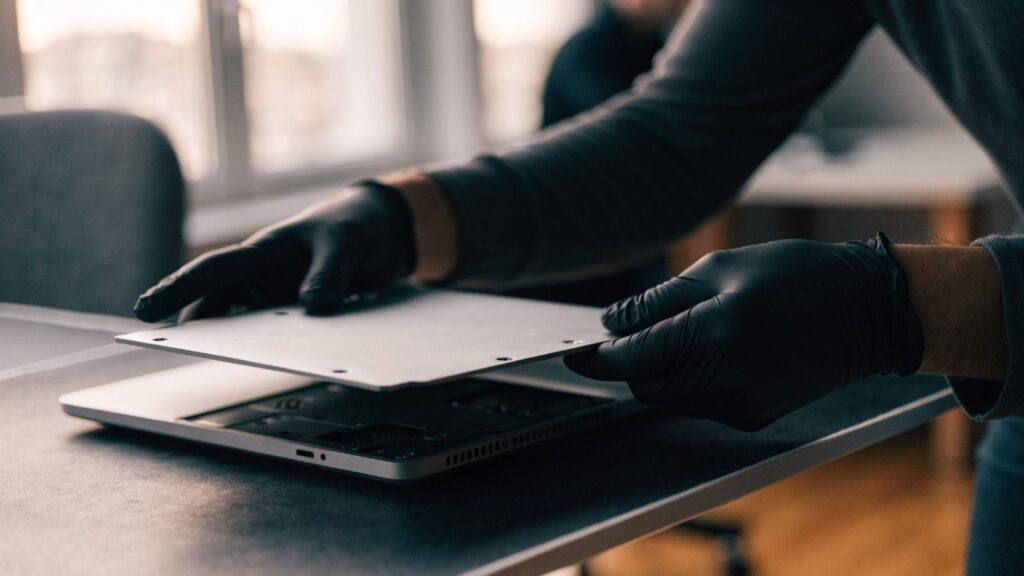
Remove the bottom panel and visually check the trackpad ribbon cable where it passes near the hinge barrels for pinching, fraying, or a disconnected end before ordering any parts.
Step 3: Replace the trackpad module if the cable and connector are intact
If the cable path checks out fine, the trackpad module itself is confirmed as the fault. Disconnect its ribbon cable, unscrew the module, and replace it with a matching part for your exact C434 revision.
Step 4: Service the hinge assembly if there’s visible looseness or grinding
A loose or grinding hinge usually needs the whole barrel assembly replaced rather than just tightened, since the tension mechanism inside wears out and can’t be re-tensioned externally on this model.
Step 5: Reroute the cable away from pinch points before closing
When reassembling, route the trackpad ribbon cable along its designed channel and away from the hinge barrel’s rotation path to prevent the same failure from recurring.
Repair or Replace?
Because the C434 was originally a premium ASUS model, a combined hinge-and-trackpad repair in the $150–$220 range is often still worth it compared to replacing the whole unit, provided the rest of the aluminum chassis is undamaged.
FAQ
Can the hinge be tightened instead of replaced?
Not reliably on this model — the tension mechanism is sealed inside the barrel, so a grinding or loose hinge almost always needs the assembly replaced rather than adjusted.
Is this the same trackpad replacement process as ASUS’s standard Chromebooks?
Mostly, but the hinge-adjacent cable routing is unique to the Flip’s convertible design — see ASUS Chromebook trackpad replacement: cost and DIY guide for the standard clamshell process for comparison.
What if the screen won’t stay upright at all, not just a trackpad issue?
That’s a clearer sign of hinge tension failure — see Chromebook hinge broken: repair options and costs for the general diagnosis before ordering parts.