Quick Answer
A loose hinge can sometimes be tightened with a small screwdriver from underneath the hinge cover. A cracked or fully snapped hinge requires replacing the hinge assembly, which usually means replacing the whole top case (screen bezel and hinge are often molded together) — expect $50–$120 in parts.

Causes
- Loose screws — hinge tension screws back out gradually from repeated opening and closing.
- Plastic fatigue — the hinge housing, especially on budget models, cracks after thousands of open/close cycles.
- One-handed opening — habitually opening the lid with one hand puts torque stress on the hinge and surrounding plastic.
- Impact damage — drops or being carried by the screen can snap a hinge outright.
Fix Steps
Step 1: Identify loose vs. broken
Open and close the lid slowly. If it feels wobbly, doesn’t hold position, or the screen flops, but there’s no visible crack, the hinge tension has likely just loosened. If you hear or see cracked plastic, or the screen doesn’t stay attached at all, it’s structurally broken.
Step 2: Tighten a loose hinge
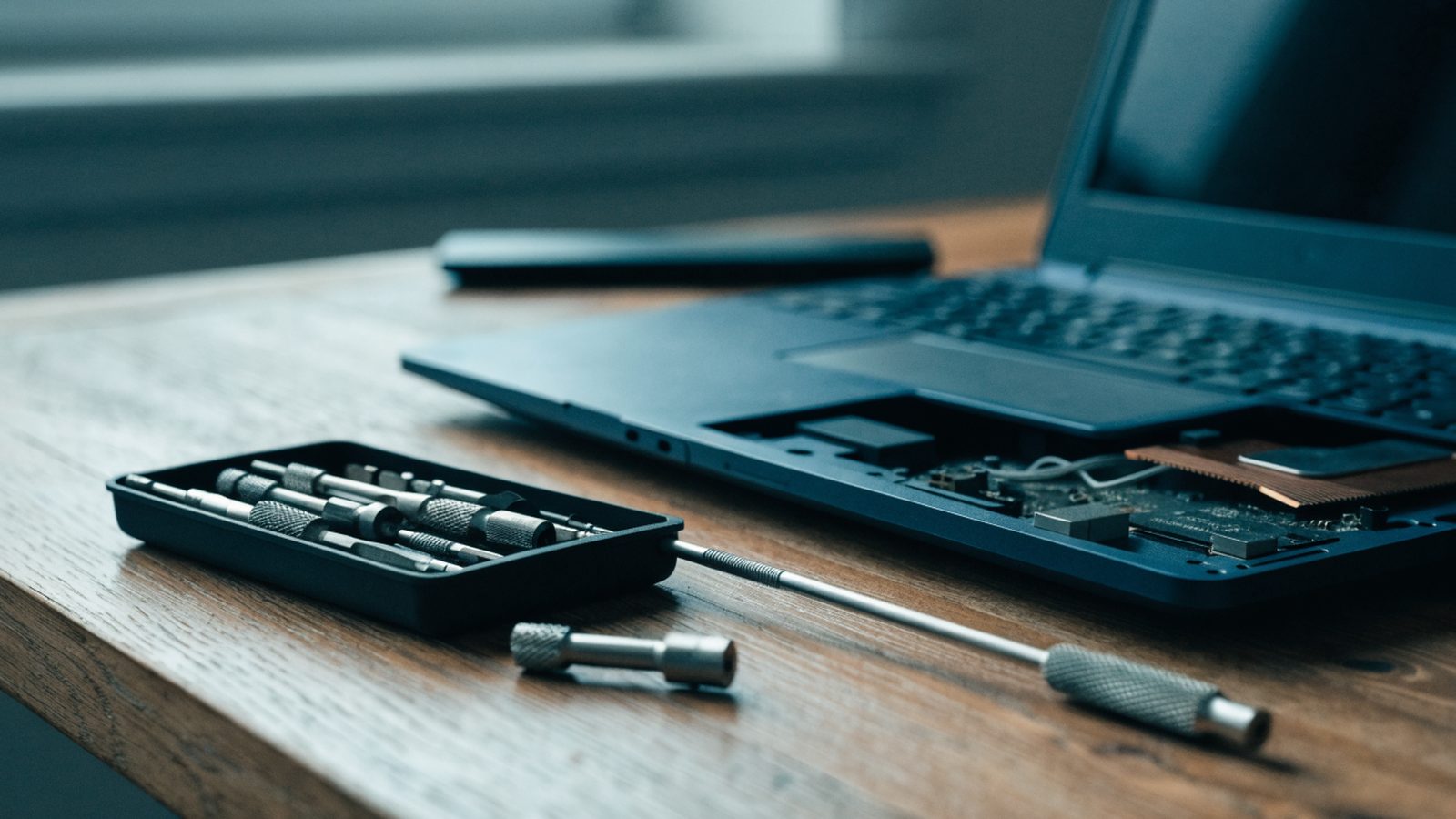
Most hinge tension screws are accessible after removing the bottom panel — see our teardown guide. Locate the hinge barrel screws near the base of the display and tighten them a quarter-turn at a time, testing lid motion between adjustments. Don’t overtighten, which can strip the screw threads in plastic housing.
Step 3: Assess a cracked hinge housing
If the plastic around the hinge is cracked but the metal hinge barrel itself is intact, some repair shops can use plastic epoxy or 3D-printed brackets as a stopgap. This is a temporary fix, not permanent.
Step 4: Replace the top case for a snapped hinge
On most Chromebooks, the hinge is integrated into the display bezel or the base chassis, meaning a full hinge failure requires replacing that larger assembly rather than just a hinge part. Search “[model] top case assembly” or “[model] LCD bezel with hinge” on parts sites.
Step 5: Decide if it’s worth repairing
Hinge assemblies plus labor often run $80–$150 at a shop. Compare that to your Chromebook’s age and how much longer it has before its ChromeOS update support ends before committing to the repair.
Still Not Fixed?
If tightening screws doesn’t stop the wobble, the threads inside the plastic housing have likely stripped, and only a full hinge/case replacement will fix it permanently.
FAQ
Can I use super glue on a cracked hinge?
It’s a short-term fix at best — super glue doesn’t handle the repeated flexing stress a hinge endures and will likely fail again within weeks.
Is a wobbly hinge dangerous to keep using?
Not immediately dangerous, but it stresses the display cable running through the hinge, which can eventually cause screen flickering or failure.
How much does professional hinge repair cost?
Typically $60–$150 depending on whether it’s a simple tightening job or a full top case replacement.