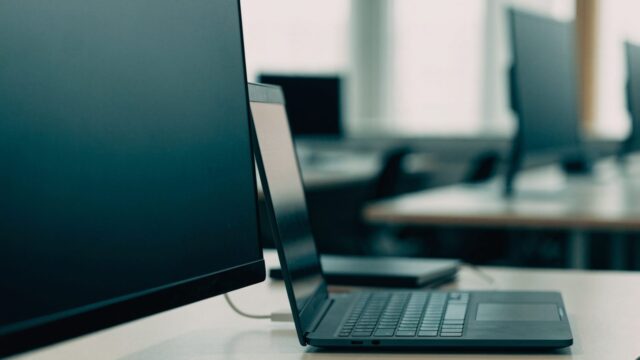
Chromebook Won’t Connect to an External Monitor: HDMI Fixes
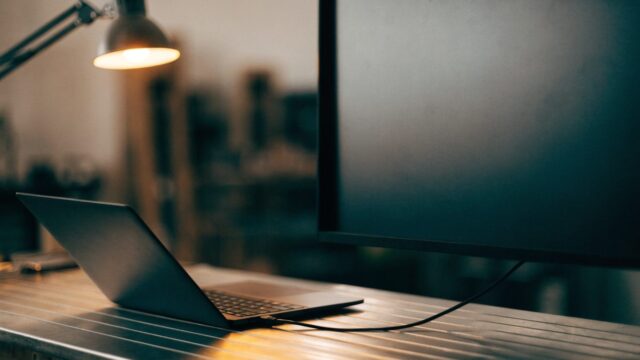
External monitor showing nothing when connected to your Chromebook? Here's how to fix it, cable by cable.
3 min readSymptom-first fixes for a Chromebook that won’t behave. Start with the problem you can see: a Chromebook that won’t turn on, a black screen, a device that is frozen or unresponsive or one stuck on the Chrome logo. Each guide lists the likely causes, then the fixes in the order worth trying, from a hard reset to recovery mode. Brand-specific versions for Acer, ASUS, Dell, HP, Lenovo and Samsung are linked from every main guide.
External monitor showing nothing when connected to your Chromebook? Here's how to fix it, cable by cable.
3 min readDell Chromebook keys not responding, typing the wrong characters, or the whole keyboard dead? Here's how to fix it.
2 min readDell Chromebook screen flickering, flashing, or showing horizontal lines? Here's how to fix it.
2 min readDell Chromebook feeling sluggish or laggy? Here's how to diagnose and fix the slowdown step by step.
2 min readASUS Chromebook hanging on the logo and never reaching the login screen? Here's how to break the loop and reinstall ChromeOS if needed.
2 min readASUS Chromebook touchscreen not responding to taps? Here's how to fix an unresponsive or inaccurate touch display.
2 min readASUS Chromebook feeling laggy or slow to respond? Here's how to diagnose and fix the slowdown.
2 min readSamsung Chromebook feeling sluggish, laggy, or slow to open apps? Here's how to speed it back up.
2 min readSamsung Chromebook screen gone completely black? Here's how to tell a software glitch from a display hardware fault.
2 min readLenovo Chromebook camera showing a black square or "camera not found" on video calls? Here's how to fix it.
2 min read