Battery, screen, and keyboard problems are usually cheap, isolated fixes. A dead motherboard is different — it’s the most expensive Chromebook failure, and often not worth repairing on its own. Here’s how to tell the difference before you spend money diagnosing the wrong part.
Quick answer: Signs of motherboard failure include no charging light at all with a known-good charger, no display on both the built-in screen and an external monitor, a burning smell, or visible corrosion/liquid damage near board components. Motherboard replacement typically costs $150–$250 in parts and labor — on most Chromebooks, that’s close to or more than the device is worth, which usually makes replacing the whole laptop the better call.
Signs That Point to the Motherboard (Not a Cheaper Part)
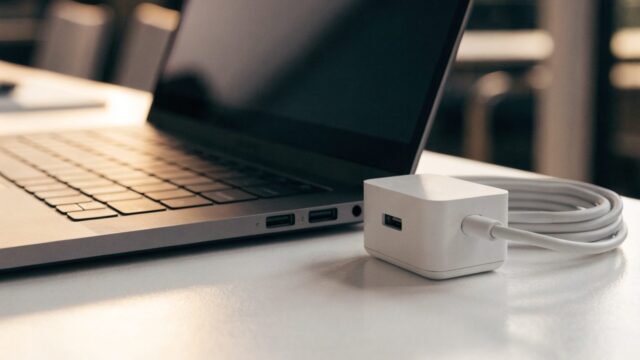
- No charging light with a confirmed-good charger — if a different charger and cable still show zero response, the charging circuit on the board itself may be dead
- No image on an external monitor either — if plugging into an HDMI/USB-C display also shows nothing, the problem is upstream of the screen, pointing to the board or GPU
- Burning smell or visible scorch marks — a clear sign of a shorted component, not something to power on again
- Liquid damage with corrosion — green or white corrosion on board contacts after a spill, even after drying, often means components have already failed
- Random shutdowns that get progressively worse — can be a failing board, though this also overlaps with battery or overheating issues, so rule those out first

Diagnosis Steps Before You Assume the Worst
Step 1: Test with a different charger and cable
A dead charging light is often just a bad cable or brick, not the board. Try at least one known-good charger before concluding anything.
Step 2: Check for a charging light with the battery removed (if accessible)
Some models will show a charging light on wall power alone even with a dead battery. If the light comes on this way, the board is likely fine and the battery is the actual culprit.
Step 3: Try an external display
Connect an external monitor over HDMI or USB-C. If you get an image externally but nothing on the built-in screen, it’s a screen or cable issue, not the board.
Step 4: Look for physical damage
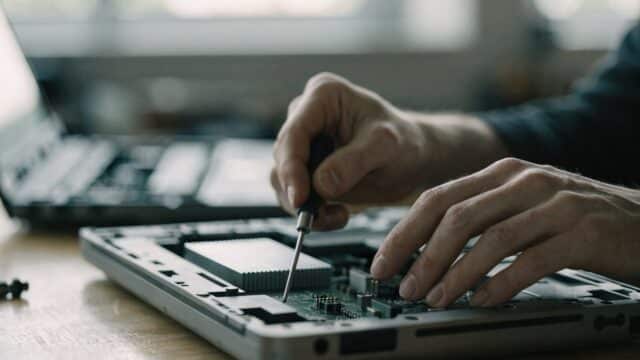
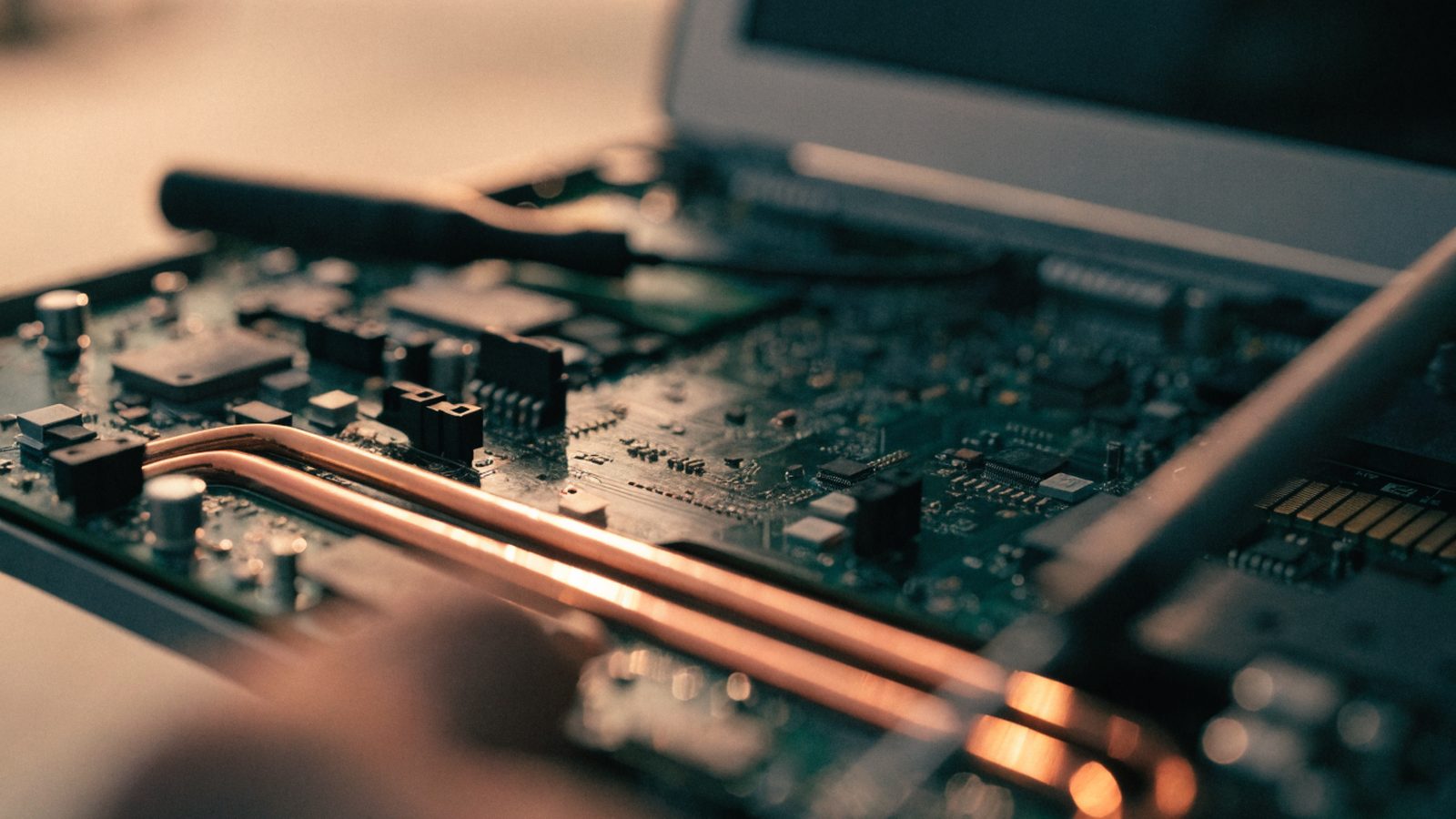
Open the case (see our repair toolkit guide first) and visually inspect the board for scorch marks, swollen capacitors, or corrosion, especially if there was a recent spill — see our water damage guide if that applies.
Repair or Replace?
Motherboard swaps run $150–$250 in parts and labor on most consumer Chromebooks, and finding an exact replacement board can be harder than sourcing a battery or screen. Given that many Chromebooks retail new for $250–$400, replacing the device outright is usually the more sensible call unless it’s a high-end model still well within its AUE window. See our full repair vs replace framework for how to weigh it.
FAQ
Can a motherboard be repaired instead of replaced?
Component-level board repair (reflowing a chip, replacing a capacitor) is possible but requires specialized equipment most repair shops don’t offer for consumer Chromebooks — it’s rarely offered as a standard service.
Is it worth replacing the motherboard on a Chromebook I use for work or school?
Usually not, unless it’s an expensive premium model still years from its AUE date. For most budget and mid-range Chromebooks, a full replacement laptop costs about the same or less.
Does a dead motherboard mean my data is lost?
No — ChromeOS syncs almost everything to your Google Account by default, so signing into a new or replacement Chromebook restores your bookmarks, extensions, and settings automatically.