A trackpad that won’t register clicks, drifts on its own, or has dead zones usually needs a physical replacement rather than a software fix. Here’s what that involves and what it costs across most Chromebook models.
Confirm It’s Actually the Hardware
- Open the Diagnostics app and run the Input test if your model supports it. This shows a heatmap of the trackpad surface as you move your finger across it.
- If certain zones never register touch while others work fine, that points to physical sensor damage rather than a driver issue.
- Try a hard reset (Refresh + Power for 10 seconds) first, since a stuck driver after sleep or an update can look identical to hardware failure.
What the Replacement Involves
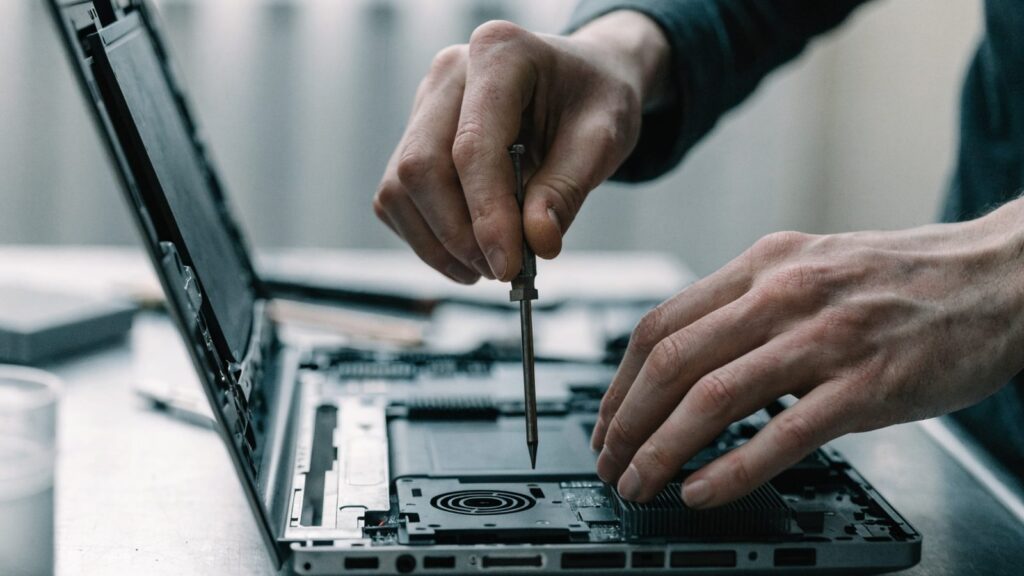
- The bottom cover is removed to access the trackpad assembly, usually mounted just below the keyboard
- A ribbon cable connects the trackpad to the motherboard and needs to be carefully disconnected and reconnected
- On some models, the trackpad is part of a larger palm-rest assembly rather than a standalone part, which raises the parts cost
- Replacement parts need to match your exact model number, since trackpad assemblies aren’t interchangeable between different Chromebook lines
DIY vs. Repair Shop
DIY parts alone run $50–$90 depending on the model, ordered from sites like iFixit. A repair shop adds $40–$70 in labor on top of that, since removing the keyboard deck and palm rest without damaging surrounding clips takes some care. If the Chromebook is still under warranty, an authorized repair avoids voiding it, which a DIY job would.
Still Not Sure It’s the Trackpad?
If clicking works but the cursor drifts or jumps randomly, try connecting a USB or Bluetooth mouse temporarily. If the same erratic behavior shows up with an external mouse too, the problem is elsewhere in the system, not the trackpad hardware itself.
FAQ
Can I just disable the trackpad and use an external mouse instead?
Yes. Go to Settings > Device > Touchpad and turn it off entirely if you’d rather rely on a USB or Bluetooth mouse instead of repairing it right away.
Does a cracked palm rest affect the trackpad even if it still clicks?
It can. Cracks near the trackpad’s mounting points sometimes cause intermittent double-clicks or dead zones even when the sensor itself is undamaged, since the assembly needs to sit flush to register touch correctly.
Is trackpad repair worth it on an older Chromebook?
Check the model’s AUE (Auto Update Expiration) date first. If ChromeOS updates are ending soon anyway, it may be better to put that repair budget toward a replacement device instead.