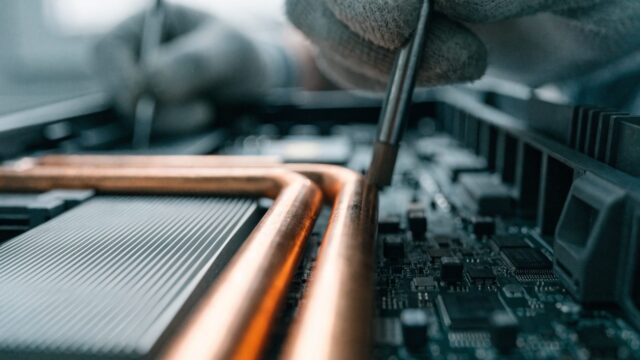
The 11a is HP’s entry-level 11.6″ Chromebook line, common in schools and as a budget home pick. It ships with a smaller 2-cell battery (rated around 37–47Wh depending on the exact SKU) than HP’s larger 14″ models, and after a few years of daily classroom charging cycles, capacity loss is one of the most common repair requests on this line.
Quick answer: A replacement battery for the HP Chromebook 11a typically costs $25–$45 in parts, on the cheaper end of Chromebook battery swaps because of its smaller cell. The repair takes about 30–40 minutes and follows HP’s standard bottom-cover-off layout, with no unusual disassembly.
Why the 11a’s Battery Wears Down Fast
- It’s a common school-issued device, and school Chromebooks see near-daily full charge cycles for years, which accelerates lithium-ion capacity loss
- Its smaller 2-cell battery has less total capacity to begin with than HP’s 14″ models, so the same percentage of wear is more noticeable day-to-day
- Being left plugged in overnight at school or at a charging cart for extended periods can add to long-term wear, even though modern ChromeOS battery management limits some of this damage
Fix Steps
Step 1: Rule out the charger first
Try a different USB-C charger and cable. If charging behavior is identical with a known-good charger, the battery itself is the likely cause.
Step 2: Check battery health
Run the Chromebook’s built-in Diagnostics app to see the reported battery health percentage before ordering a replacement part.
Step 3: Remove the bottom cover
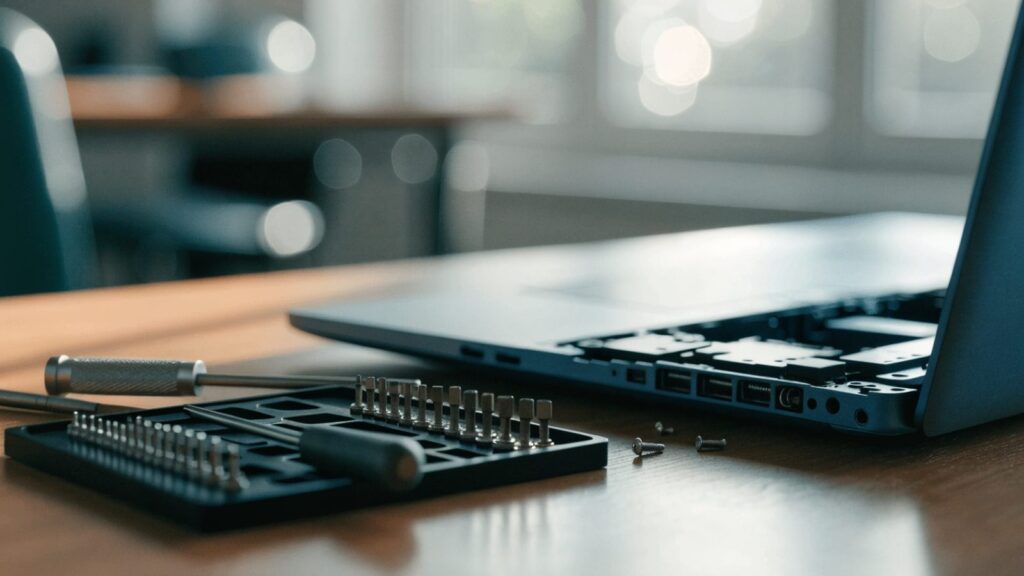
Unscrew the perimeter screws (check for one hidden under a rubber foot, common on HP’s budget line) and pry the cover off gently starting at a corner.
Step 4: Disconnect and swap the battery
Unplug the battery connector from the motherboard first, then remove the mounting screws or peel back adhesive strips, depending on which method your unit uses. Seat and reconnect the new battery the same way.
Step 5: Reassemble and calibrate
Close the case, boot up, and run a full charge-to-100%-then-drain cycle so ChromeOS recalibrates the battery percentage reading accurately.
Repair or Replace?
At $25–$45 in parts, this is one of the cheapest Chromebook repairs there is, and it’s almost always worth doing on an 11a that still boots fine otherwise — check its remaining update runway first with the HP Chromebook AUE dates guide.
FAQ
Is the 11a’s battery the same as HP’s other Chromebook 11 models?
Not always — HP has released several “11a” and “11 G-series” variants with different battery part numbers. Confirm your exact model number before ordering.
Why does this model wear out faster than my other laptop?
It’s mostly usage pattern, not a design flaw — school and budget Chromebooks tend to get charged daily for years, which is harder on a battery than occasional home use.
Can I keep using it if the battery is swollen?
No. A swollen lithium battery is a safety risk. Stop using it and replace the cell promptly.