
Quick Answer: The 300e is Lenovo’s rugged 11.6″ education convertible, and its keyboard is riveted into the base rather than just clipped, matching the drop-resistant build of the rest of the chassis. A replacement keyboard deck runs $25–$45, and swapping it takes 30–45 minutes since the whole top case usually comes as one assembly.
Why the 300e’s Keyboard Job Differs
- Because the 300e is designed to survive classroom drops and spills, Lenovo rivets the keyboard into the palm-rest assembly instead of using the easily-removable clips found on consumer models, so replacement means swapping the full top case rather than just the key deck
- The 300e’s convertible hinge means the keyboard cable routes near the hinge barrel, so disconnecting it requires more care than on a clamshell-only design like the Lenovo Chromebook Duet
- Spill damage is the most common cause of failure on this model given its classroom use, and a spill that reaches the keyboard membrane usually can’t be cleaned — replacement is the only reliable fix once keys start double-typing or not registering
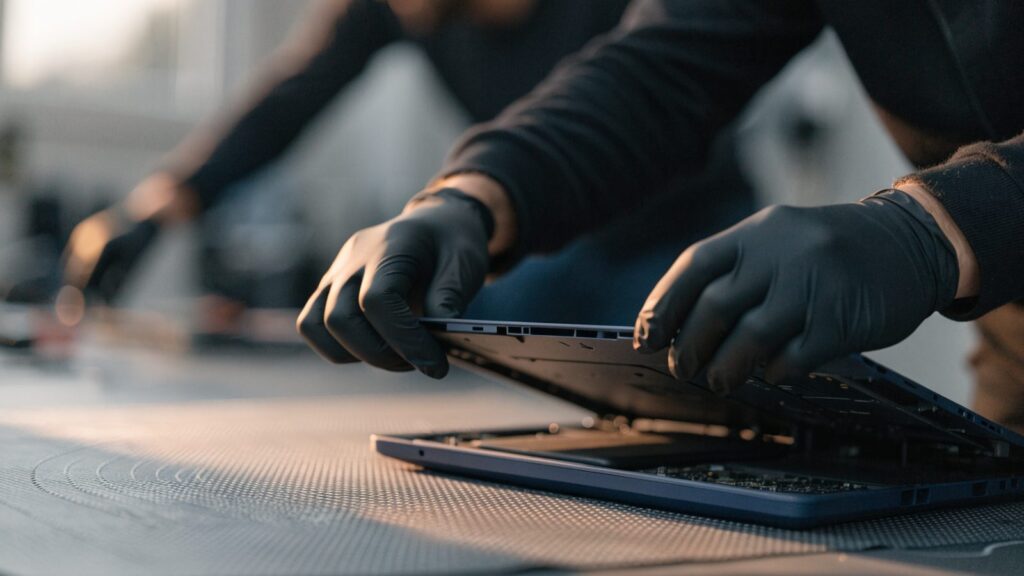
Fix Steps
Step 1: Rule out a software or driver issue
Reboot and check whether the same keys fail in both a Chrome window and the ChromeOS login screen. If the failure follows the physical key everywhere, that points to hardware rather than a stuck browser process.
Step 2: Check for spill residue or trapped debris
Power off, unplug, and gently tap the Chromebook upside down over a surface to dislodge crumbs. If keys were sticky after a drink spill, don’t skip straight to replacement — a professional clean under the keycaps sometimes resolves it, though sugary spills usually don’t.
Step 3: Confirm your fleet’s repair arrangement
As with the standard Lenovo Chromebook keyboard replacement, many school districts have bulk-repair pricing with Lenovo for the 300e specifically, which usually beats per-unit third-party repair costs.
Step 4: Remove the rugged bottom cover
The 300e’s reinforced base uses more screws around the perimeter than Lenovo’s consumer Chromebooks; remove them all and separate the case evenly to avoid stressing the hinge-side clips.
Step 5: Disconnect the keyboard ribbon and swap the top case
Since the keyboard is riveted into the palm rest, disconnect the keyboard and trackpad ribbon cables from the motherboard, then transfer the motherboard and any remaining internals into the replacement top-case assembly.
Step 6: Reassemble and test every key
Before closing the case fully, power on and test each key individually, paying extra attention to keys near where any spill occurred, since partial damage can look fine at first and fail again within days.
Repair or Replace?
At $25–$45 for the top-case assembly, replacement is worth it for a fleet device with life left before its Lenovo Chromebook AUE date. Check bulk district pricing first, since it’s often lower than sourcing the part individually.
FAQ
Can I replace just a single key on the 300e?
Individual keycaps can sometimes be popped off and reseated, but since the underlying membrane is riveted into the case, a failed key mechanism itself requires the full top-case swap.
Is the 300e keyboard the same part as the regular Lenovo Chromebook keyboard?
No, the 300e’s rugged, riveted assembly is specific to this rugged line and isn’t interchangeable with the clip-in keyboards used on Lenovo’s consumer Chromebooks.
Does a keyboard replacement affect the touchscreen or hinge?
No, the keyboard swap is isolated to the top case and doesn’t touch the display, digitizer, or hinge assembly.