Quick Answer
Chromebook screen flickering is most often caused by a software or refresh-rate glitch rather than a failing display. Try a hard reset (Refresh + Power for 10 seconds) first, and if it continues, check whether an external monitor also flickers to isolate the cause.
Common Causes
- A graphics driver glitch after waking from sleep or an update
- Screen refresh rate mismatch with certain content or apps
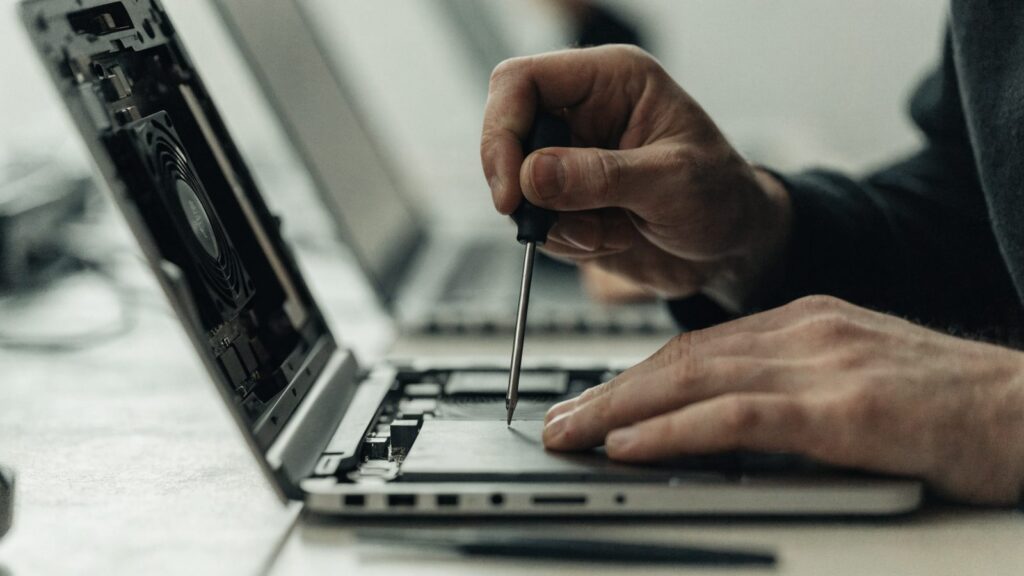
- A loose internal display cable (common after drops or heavy lid flexing)
- A failing backlight or LCD panel
- Interference from a nearby Bluetooth or Wi-Fi device (rare)
- An aging or damaged HDMI/USB-C cable if flickering an external display
Step-by-Step Fixes
1. Force a Hard Reset
Hold Refresh + Power for 10 seconds. This reloads the display driver and resolves most software-triggered flickering immediately.
2. Update ChromeOS
Display driver bugs are occasionally introduced and fixed across ChromeOS releases. Check Settings > About ChromeOS for a pending update.
3. Test With an External Monitor
If an external display also flickers, the issue is graphics-related at the system level, not the built-in panel. If only the built-in screen flickers, suspect the panel or its cable.
4. Check Brightness and Auto-Brightness Settings
Rapid brightness fluctuations can look like flickering. Turn off adaptive/auto-brightness in Settings > Displays and set it manually to see if the issue stops.
5. Watch for a Pattern Tied to Specific Apps
If flickering only happens during video playback or gaming, it’s likely a hardware acceleration or driver issue specific to that content type rather than a display fault.
6. Gently Flex the Lid Hinge
With the device on, carefully move the screen through its open angles. If flickering changes with the hinge angle, a loose internal display cable is the likely cause.
7. Rule Out Software Corruption
If it flickers in Guest Mode too but stops after a Powerwash, a corrupted profile or setting was likely the cause.
Still Not Fixed?
Flickering that changes with hinge movement, persists after a Powerwash, or doesn’t appear on an external monitor points to a hardware fault in the panel or its cable. See our screen replacement guide for repair options and costs.
FAQ
Can a Chromebook update fix screen flickering?
Yes, if the cause is a graphics driver bug — this happens occasionally and is usually patched within a release or two. Always check for updates before assuming hardware failure.
Why does my screen only flicker during videos?
This usually points to a hardware video acceleration issue rather than the display itself. Try disabling hardware acceleration in chrome://settings/system as a test.
Is flickering dangerous for my Chromebook?
It won’t damage the device, but it often indicates a loose connection that could worsen over time if the cause is physical, so it’s worth diagnosing rather than ignoring.
Fixes by Chromebook Brand
Panel type, display cable routing and graphics drivers differ between manufacturers, so screen flicker often has a brand-specific pattern. If you know your brand, its dedicated guide goes further: