Quick Answer: The x360 14’s battery is glued into a thin aluminum chassis built for the 360° hinge design, so it’s a harder DIY job than HP’s standard clamshell Chromebooks. Expect $35–$65 for the battery itself, and budget for adhesive strips or isopropyl alcohol to release the glue — or pay $70–$120 in labor if a shop does it.
Why the x360 14 Is Glued, Not Screwed
- The convertible’s thin profile (needed so it folds flat in tablet mode) leaves no room for a screwed-down battery bracket like on thicker clamshell models
- HP uses structural adhesive to keep the battery from shifting during the folding motion, which means removal risks puncturing the cell if done too aggressively
- The x360 14’s battery sits directly under the palm rest, so the whole top case usually needs to come off rather than just a bottom panel
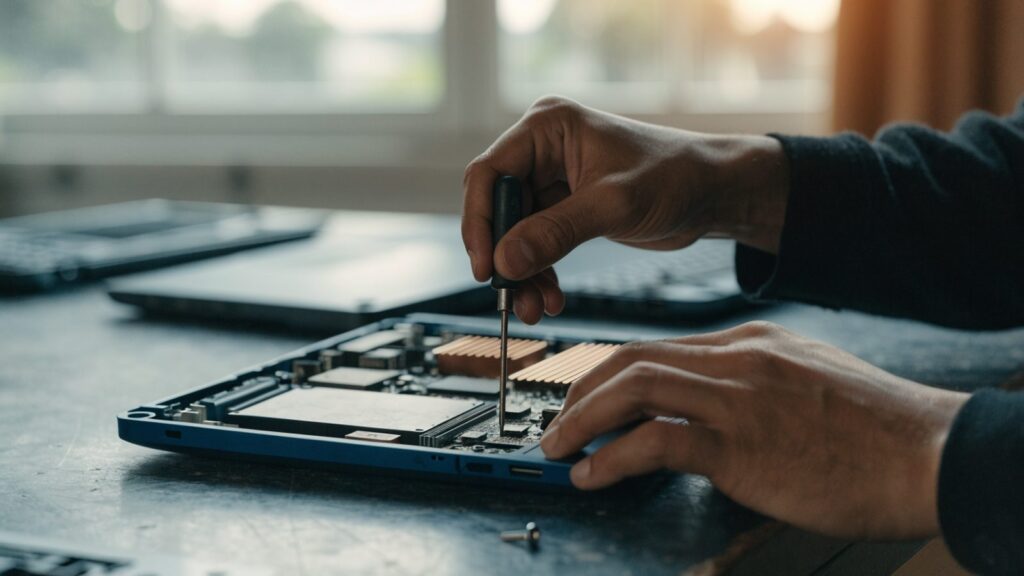
Fix Steps
Step 1: Confirm the battery, not the charger, is the cause
Start with HP Chromebook not charging: diagnostic guide to rule out a bad cable, charger, or port issue, since those are far more common than actual cell failure and cost nothing to check.
Step 2: Order a battery matched to your exact x360 14 generation
HP has released multiple x360 14 generations (14a, 14b, 14c) with different battery capacities and connectors. Check Settings > About ChromeOS > Additional details for the exact model before ordering.
Step 3: Remove the palm rest, not just the bottom cover
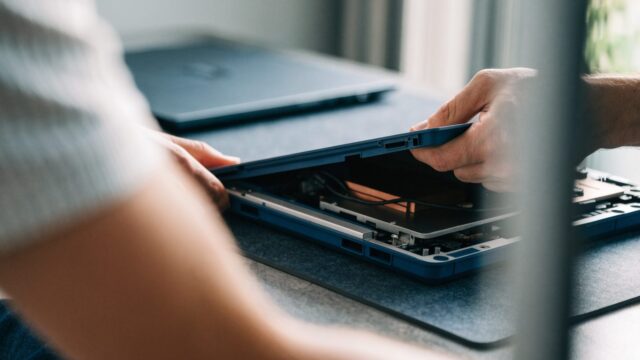
After removing the bottom panel screws, the keyboard/palm-rest assembly typically needs to be carefully unclipped to expose the battery, since it’s mounted beneath rather than accessible from the base alone.
Step 4: Warm and release the adhesive gently
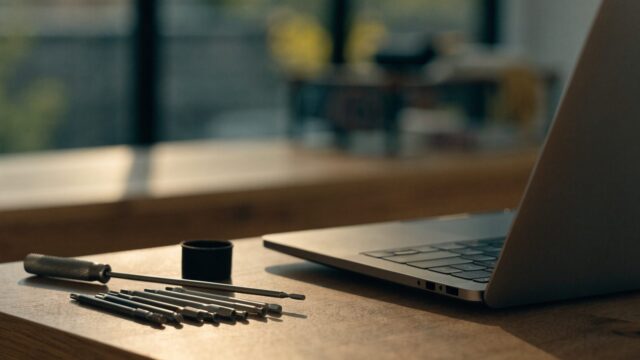
Use a plastic pry tool and, if needed, a small amount of isopropyl alcohol worked under the edges to loosen the adhesive strips. Avoid metal tools or excessive flexing near the cell, which can puncture it.
Step 5: Install, reconnect, and test before final reassembly
Seat the new battery, apply fresh adhesive strips if the originals tore, reconnect the ribbon cable, and test charging and shutdown behavior before closing the palm rest back into place.
Repair or Replace?
Given the added labor of a glued battery, compare the $105–$185 professional repair cost against the device’s remaining life — see HP Chromebook AUE dates by model to check how much update runway the x360 14 has left before committing to the repair.
FAQ
Is the x360 14 battery replacement harder than a standard HP Chromebook?
Yes — see HP Chromebook battery replacement: cost and guide for the simpler screwed-in process most non-convertible HP models use.
Can I skip reattaching adhesive and just let the battery sit loose?
No. An unsecured battery can shift and stress the ribbon cable or get punctured during the hinge’s folding motion, so always replace torn adhesive strips.
What if the device won’t power on at all after the swap?
Double-check the ribbon cable is fully seated and the locking flap is closed; a half-seated connector is the most common cause of a no-power result after a battery swap.