Quick Answer
Try a different USB-C cable and charger first, since cable failure is the most common cause across HP’s Chromebook lineup. If a known-good charger still doesn’t work, check the port for damage, since HP’s x360 convertible models see more port wear from repeated flexing during tablet-mode use.
Causes
HP Chromebooks commonly fail to charge because of a worn or damaged USB-C cable, an underpowered charger being used instead of HP’s rated wattage, a charging port loosened by repeated flexing (especially on x360 convertible models), or occasionally a battery nearing the end of its service life.
Fix Steps
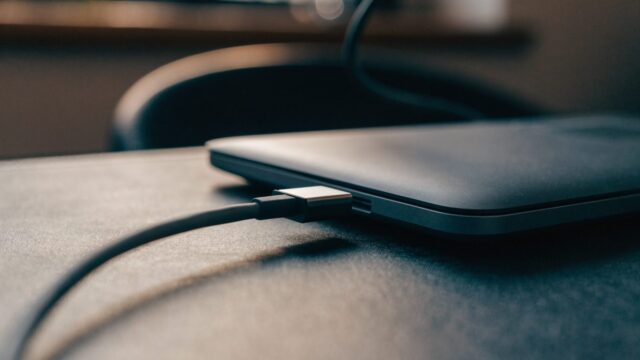
Step 1: Swap the cable and charger
Try a different USB-C cable and charger if you have one available. This isolates the most common cause in under a minute before moving to anything more involved.
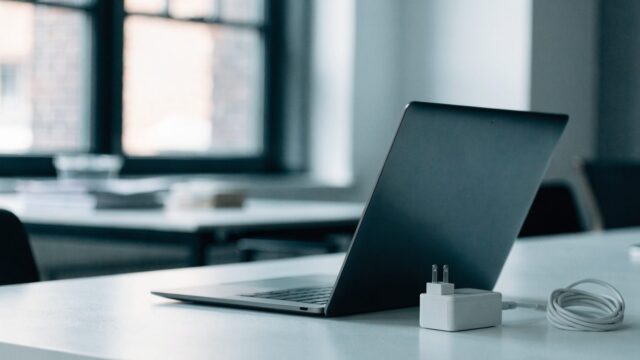
Step 2: Confirm the charger’s wattage
Check your HP model’s rated wattage (commonly 45W) against the charger you’re using. See our charger wattage guide if you’re unsure what your device needs.
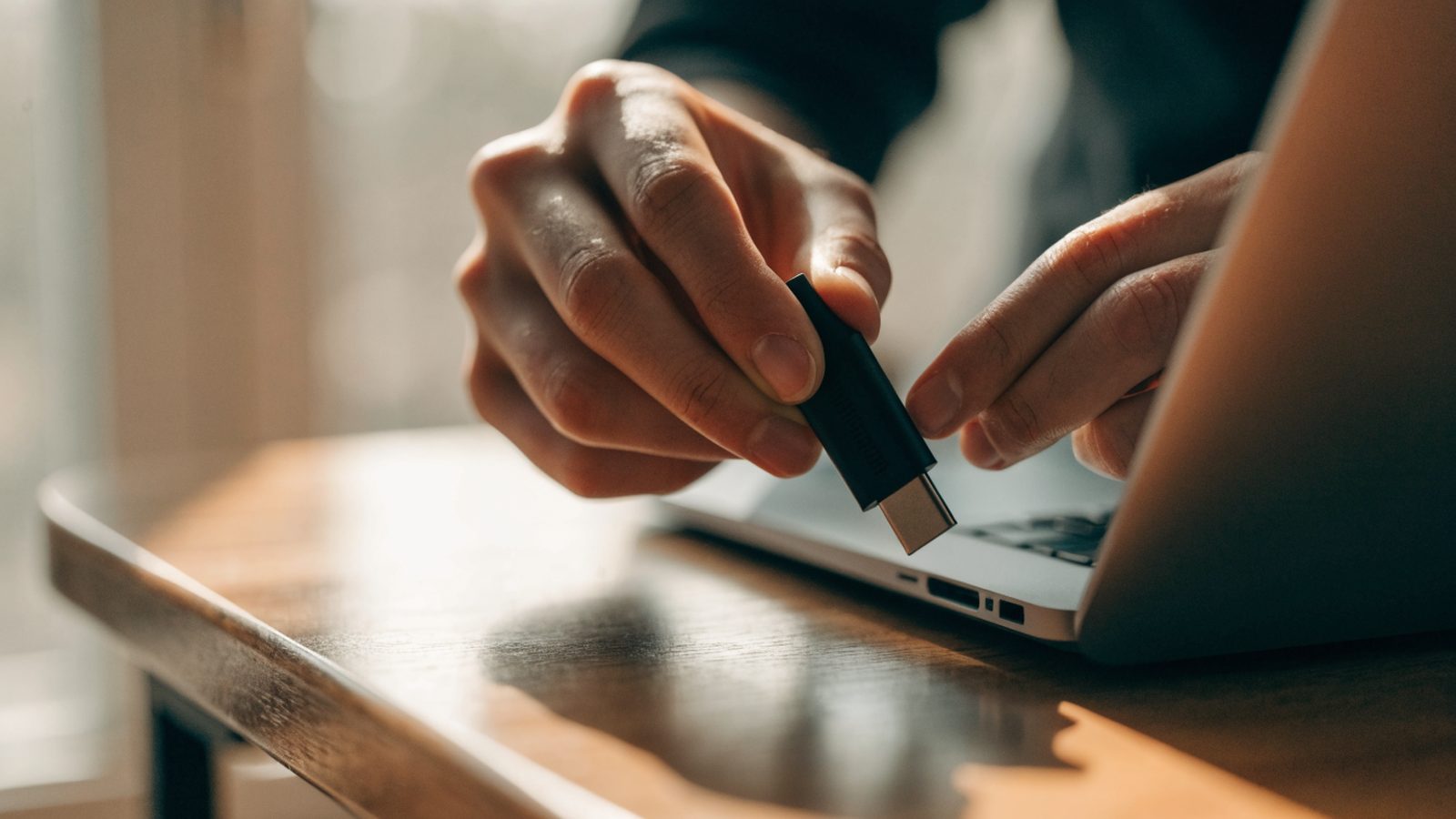
Step 3: Inspect the port on x360 and convertible models
HP’s 360-degree hinge models see more stress on the charging port from being flipped into tablet mode repeatedly. Check for looseness or a port that requires the cable to be held at a specific angle to charge.
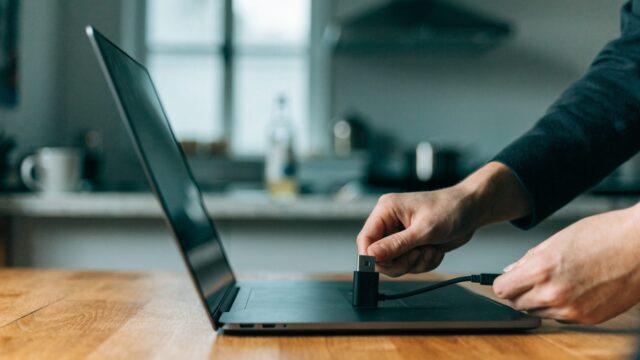
Step 4: Try charging from the other port
Most HP Chromebooks have two USB-C ports and either can charge. Test the second port to see if the issue is isolated to one side.
Step 5: Force a hard reset while plugged in
Hold Refresh + Power for about 10 seconds. This clears a stuck power-management state without affecting your files.
Step 6: Check for a ChromeOS update
Go to Settings > About ChromeOS > Check for updates, since charging driver bugs are occasionally patched in ChromeOS releases.
Still Not Fixed?
If a confirmed-good charger and cable still won’t charge the device from either port, the charging port itself is likely damaged, which is common on well-used x360 models. If the device also won’t display anything at all, work through that separately first to rule out a display-only fault. A battery replacement is the next step if the port checks out fine.
FAQ
Why does my HP Chromebook only charge at a certain angle?
This points to a loose internal connection at the charging port, common on frequently-flexed x360 models, and usually needs a port repair rather than a new cable.
Do HP Chromebooks use a standard USB-C charger?
Yes, most modern HP Chromebooks use standard USB-C Power Delivery charging, so a compatible third-party charger at the right wattage will work fine.
Is a swollen battery a fire risk on HP Chromebooks?
Any visibly swollen lithium battery should be treated as a safety concern. Stop charging it and arrange a replacement promptly.