Quick answer: Calibrating a Dell Chromebook’s battery means fully draining it, then charging it uninterrupted to 100%, which resets the battery gauge’s reference points. It fixes wrong or jumping percentage readings, but it does not restore lost battery capacity or health.
What Battery Calibration Actually Does
Your Dell Chromebook (3100, 5190 2-in-1, and similar education and consumer models) estimates remaining charge using a “fuel gauge” chip that tracks voltage and current over time. Over months of partial charges, that gauge’s reference points can drift, causing the displayed percentage to jump or misreport how much charge is actually left. Calibration resets those reference points; it doesn’t repair or rejuvenate the battery cell itself.

When to Calibrate
- The battery percentage jumps suddenly (like 40% to 15% in seconds) rather than draining gradually.
- Your Chromebook shuts off unexpectedly while still showing 10-20% remaining.
- The reported percentage doesn’t match real-world runtime at all.
How to Calibrate a Dell Chromebook Battery
- Use the Chromebook normally until it shuts down on its own from low battery — don’t force shutdown manually.
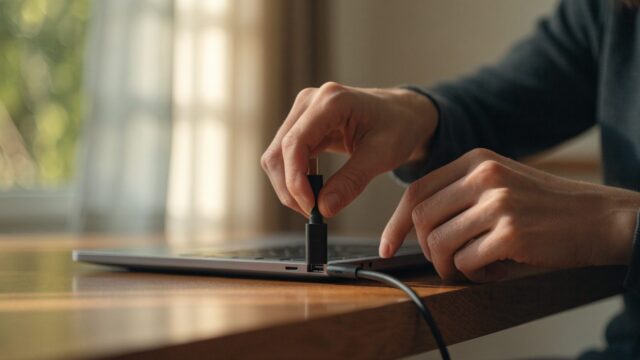
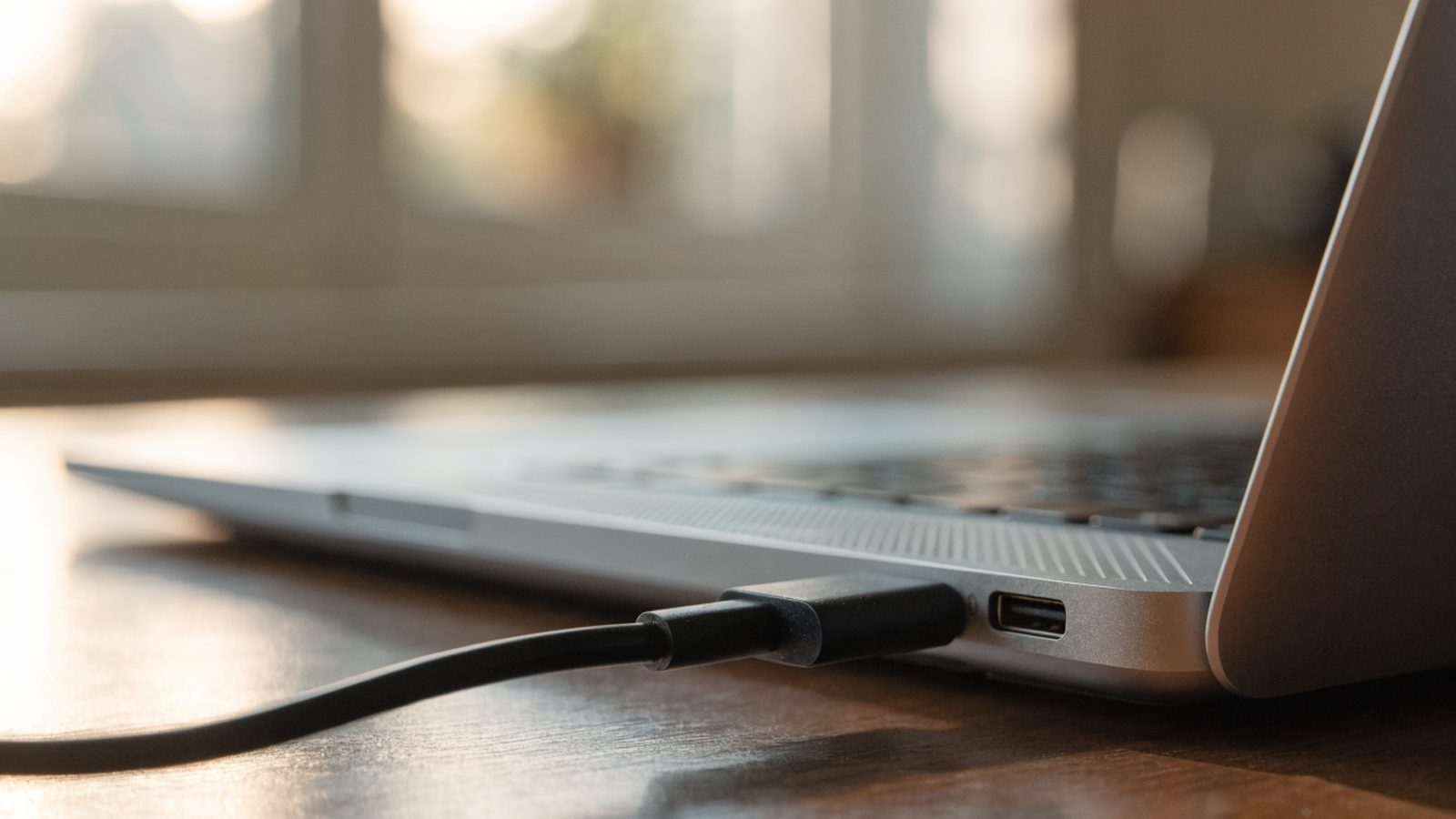
- Leave it off and plug it in. Charge it to 100% without interruption — don’t unplug partway or use it heavily while charging.
- Once at 100%, unplug and let it sit for a few minutes, then check the Diagnostics app (search “Diagnostics” in the launcher) for an updated, more accurate reading.
- Repeat once more if the percentage still seems off — a single full cycle sometimes isn’t enough to fully reset the gauge.
What Calibration Won’t Fix
If your Dell Chromebook’s battery is genuinely degraded, calibration will report an accurate percentage, but that percentage will still reflect a shorter real runtime. Check actual health with our Dell Chromebook battery health check guide — if full charge capacity is significantly below design capacity, the fix is a physical battery replacement, not calibration.
Still Not Fixed?
If the percentage keeps misbehaving even after two full calibration cycles, or the Chromebook shuts down unpredictably regardless of reported charge, see our Chromebook battery percentage wrong or jumping guide for deeper causes, or our Dell Chromebook 5190 2-in-1 repair guide if you’re already considering hardware service.
FAQ
Does calibration extend battery lifespan?
No, it only corrects the reported percentage. Lifespan is affected by usage habits, like avoiding constant 100% charge and extreme heat — see our guide to extending Chromebook battery life.
How often should I calibrate?
Only when you notice inaccurate readings — there’s no need to do it routinely, and frequent full discharge cycles aren’t necessary for modern lithium batteries.