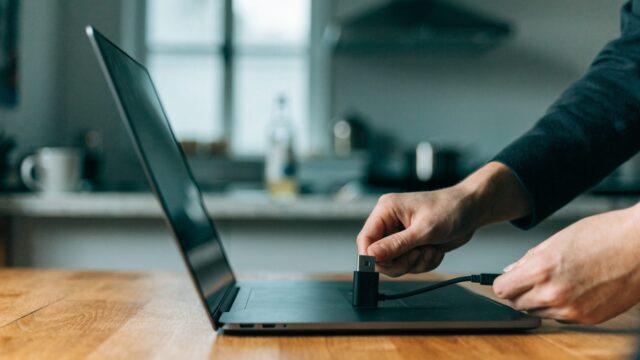
Quick answer: Most “not charging” cases on ASUS Chromebooks (Flip C434, CX1, Chromebook Detachable) come down to a loose USB-C connection, a non-PD charger, or debris in the port. Try a different cable and outlet first — it resolves the majority of cases in under five minutes.
Step-by-Step Diagnostic
- Check for a charging light. Most ASUS Chromebooks show an LED near the port when actively charging. No light at all points to a power delivery problem before software is even involved.
- Inspect the USB-C port for debris. Lint and dust buildup is a common, overlooked cause — use a flashlight to check, and clean gently with compressed air if needed.
- Try a different USB-C cable and charger. Confirm the charger supports USB Power Delivery (PD) — not all USB-C cables carry power, some are data-only.
- Try a different wall outlet to rule out a dead outlet or a faulty power strip.
- Check the connection is fully seated. A worn or slightly bent USB-C port can seem plugged in while making poor contact — wiggle gently while watching for the charging indicator.
- Restart the Chromebook once you’ve confirmed a charging light is present — occasionally the charging indicator in the software lags behind actual hardware charging status.

When It’s a Software Issue, Not Hardware
If the charging light is on, but the battery percentage isn’t increasing or the system reports “not charging” despite power being connected, this can be a ChromeOS-side reporting glitch. A restart usually clears it. Persistent cases can indicate a failing battery — check with our ASUS battery life expectancy guide.
Still Not Fixed?
If there’s no charging light at all across multiple cables, chargers, and outlets, the charging port itself has likely failed. See our ASUS Chromebook CX1 battery replacement guide for what a port or battery repair involves, or confirm you have a genuinely compatible charger with our ASUS charger not working guide.
FAQ
Can a damaged cable charge intermittently instead of failing completely?
Yes, a partially damaged cable is one of the most common causes of inconsistent, on-and-off charging rather than a full failure — always test with a second known-good cable before assuming it’s the port or battery.
Is it safe to use a non-ASUS charger?
Yes, as long as it’s a certified USB-C PD charger at the correct wattage for your model — the brand doesn’t matter, the PD certification and wattage do.