A Chromebook that shuts off the moment you unplug it, or that drops from 100% to 0% in under 30 minutes of light use, isn’t experiencing a settings problem — it’s a battery that has worn past the point of being useful. Here’s how to confirm that and figure out your next move.
Quick answer: If the Chromebook dies within minutes of unplugging or shuts off unexpectedly at a non-zero percentage, run the built-in battery health check to confirm wear level. If wear is severe (well below the original capacity) and the device is otherwise in good shape, a battery replacement is usually cheaper and more sustainable than buying new. If the Chromebook is old, near its AUE date, or the battery is hard to source, replacing the whole device may make more sense.
Confirm It’s Actually the Battery
- Charge to 100% while plugged in, then unplug and time how long it lasts under light use (web browsing, no video). Anything under an hour for a device that used to last much longer is a strong signal.
- Run the Diagnostics app and check battery health for the wear percentage compared to original design capacity.
- Rule out a charging problem instead of a battery problem — see the not-charging diagnostic guide if it also struggles to charge at all, not just to hold a charge afterward.
- Check for physical deformation — a swollen battery can also cause sudden capacity loss. See Chromebook battery swollen or bulging if the case looks warped.
Replace the Battery If…
- The rest of the Chromebook (screen, keyboard, ports) is in good working condition
- The device is within a couple of years of its AUE (Auto Update Expiration) date, meaning it’ll still get security updates for a while
- A replacement battery is available for your model — check how to find your Chromebook model number to search for the right part
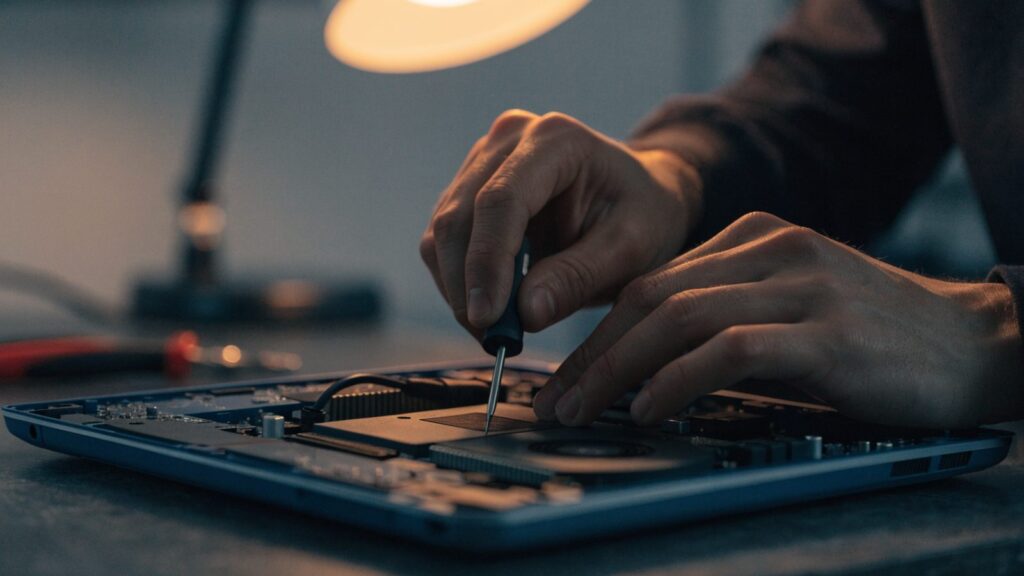
- You’re comfortable with a moderate DIY repair, or have access to a repair shop — see the Chromebook battery replacement step-by-step guide
Battery replacements typically cost far less than a new Chromebook and can add another 1-2+ years of useful life to an otherwise healthy device.
Replace the Whole Device If…
- The Chromebook is already past or very close to its AUE date, meaning it’ll stop receiving security updates regardless of battery health
- The battery isn’t available for your specific model, or only exists as an expensive, hard-to-source part
- Other components are also failing (keyboard, screen, ports) — replacing just the battery on a device with multiple issues often isn’t worth it
- The Chromebook is already noticeably slow or underpowered for your needs even when running well
How to Decide Quickly
A rough rule of thumb: if a battery replacement costs less than a third of a comparable new Chromebook and the device has more than a year of AUE support left, repair usually wins. If you’re unsure what your AUE date is or how much life the device has left, check it before spending money on parts — see Chromebook AUE dates explained.
FAQ
Can I just keep using my Chromebook plugged in permanently instead of replacing the battery?
Yes, this is a valid short-term workaround if you don’t need portability — many Chromebooks will run fine on wall power with a dead or removed battery. It’s not a long-term fix if you need to use the device away from an outlet.
How much does a battery replacement typically cost?
It varies significantly by model, but the part itself is usually a fraction of the cost of a new Chromebook. Labor costs more if you’re not doing it yourself.
Is it worth replacing the battery on a very old Chromebook?
Generally not if the device is past or near its AUE date, since it’ll lose critical security updates soon regardless of battery condition.
Can a bad battery damage other parts of the Chromebook?
A swollen battery can physically damage the trackpad, keyboard, or case if left unaddressed. Otherwise, a simply worn (non-swollen) battery doesn’t typically harm other components.