Quick Answer
If the charging light doesn’t turn on with a known-good USB-C charger and cable, and the port feels loose or wiggly, the charging port itself is likely damaged. Port repair or replacement typically costs $40–$90, since USB-C ports are usually soldered to the motherboard and require desoldering work.
Causes
- Physical wear — repeated plugging and unplugging loosens the port’s solder joints over time.
- Bent or damaged pins — inserting the cable at an angle or forcing a stuck cable can bend the internal contacts.
- Debris in the port — lint or dust blocks proper contact with the charger.
- Motherboard-side failure — the port itself is fine but the power circuitry behind it has failed.
Fix Steps
Step 1: Rule out the cable and charger first
Test with a different USB-C cable and charger if you have one — cable failure is far more common than port failure. Also try the port on a different USB-C device to confirm the cable works.
Step 2: Inspect the port visually
Use a flashlight to look inside the port for bent pins, lint, or debris. Clean gently with a wooden toothpick or a can of compressed air — never metal tools, which can bend the contacts further.
Step 3: Check for physical looseness
Gently wiggle a connected cable. If the connection cuts in and out with slight movement, or the port feels like it has more play than it should, the solder joints have likely weakened.
Step 4: Try a different power delivery source
Many Chromebooks charge from either side USB-C port. If one side doesn’t work but the other does, you’ve isolated the problem to a single port rather than the whole charging circuit, which points to a port-specific fault rather than a system-wide charging failure.
Step 5: Get it professionally resoldered
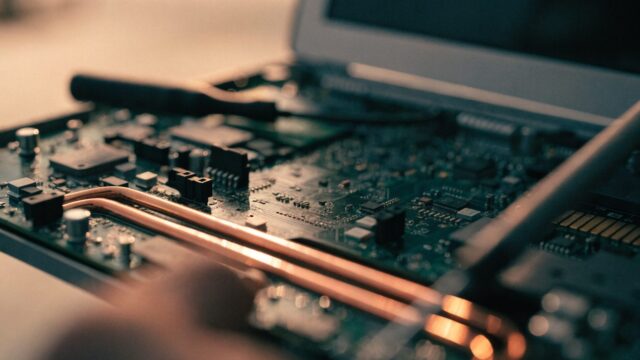
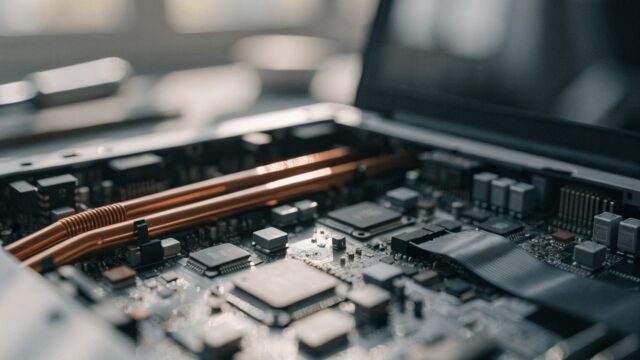
USB-C ports are surface-mounted and require hot-air rework to replace safely — this isn’t a beginner DIY repair. A local repair shop or mail-in repair service typically charges $40–$90 for parts and labor.
Still Not Fixed?
If the Chromebook won’t charge from any port and a replacement port doesn’t help, the issue is likely the motherboard’s power management chip, which usually makes the device not economically worth repairing — compare against replacement cost first.
FAQ
Can I fix a loose charging port myself?
Not safely without soldering experience and the right tools. A poorly reflowed connection can damage the motherboard.
Why does my Chromebook charge only at certain cable angles?
This is a classic sign of a loose or partially detached port connection needing resoldering.
Is it cheaper to just buy a new charger?
Yes, and worth trying first — a $15–$25 replacement charger rules out the cheapest possible cause before you spend on port repair.