Quick Answer
Most crackling audio is caused by volume levels pushed too high for the small built-in speakers, a software audio glitch, or an outdated app. If the crackling persists at low volume, over multiple apps, and after a restart, the speaker itself may be damaged and need replacement.
Causes
- Volume too high — small laptop speakers distort easily above 80–90% volume, especially on bass-heavy audio.
- Software audio glitch — a stuck audio process or an app playing incompatible audio formats.
- Loose speaker connector — internal cable working loose from drops or wear.
- Blown or damaged speaker cone — physical damage from being run at high volume for extended periods, or liquid exposure.
Fix Steps
Step 1: Lower the volume and retest
Drop the system volume to 50% and play audio from a different source (a YouTube video and a music app). If crackling disappears, the speakers are fine and it’s simply distortion from excessive volume.
Step 2: Restart the audio service
Sign out and back in, or restart the Chromebook fully. This resolves most software-level audio glitches without any settings changes.
Step 3: Test in Guest Mode
Crackling that disappears in Guest Mode points to a corrupted user profile or a problematic extension rather than hardware. See our audio troubleshooting guide for the full software checklist.
Step 4: Test with headphones
Plug in wired headphones or a Bluetooth speaker. If audio is clean through headphones but crackles through the built-in speakers, the problem is isolated to the speaker hardware or its connector, not the audio system as a whole.
Step 5: Check for a loose speaker connector
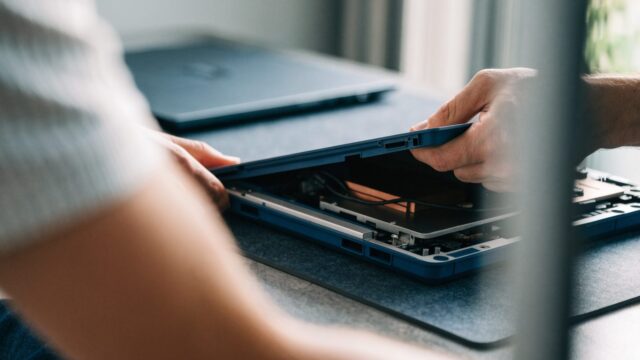
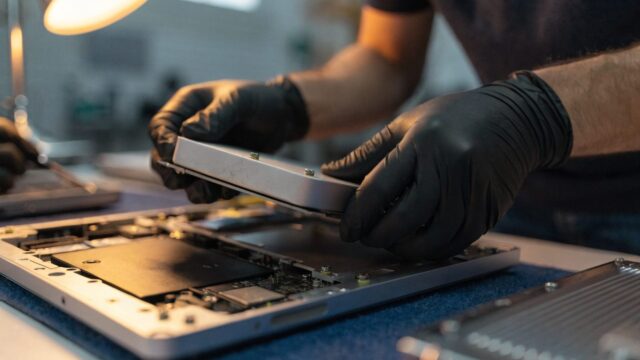
If the crackling is intermittent and changes when you press near the speaker grille or flex the chassis, a loose internal connector is likely. This requires opening the case — see our teardown guide — to reseat the speaker ribbon or wire connector on the motherboard.
Step 6: Replace damaged speakers
If the cone itself is torn or blown, cleaning or reseating won’t help. Speaker replacement parts run $10–$25 per pair and are a relatively simple swap once the case is open.
Still Not Fixed?
If crackling persists through headphones too, the problem is the audio chip on the motherboard rather than the speakers, which typically isn’t cost-effective to repair on a Chromebook.
FAQ
Why does my Chromebook crackle only at high volume?
Small laptop speakers have limited excursion range — pushing them past their comfortable output causes the cone to distort, which sounds like crackling or buzzing.
Can a software update cause speaker crackling?
Occasionally, yes — a ChromeOS update can introduce a temporary audio driver bug. Check for a further update or file feedback if this started right after an update.
Is speaker crackling covered under warranty?
If it’s a hardware defect and the device is still under warranty, yes — contact the manufacturer before attempting a DIY repair that could void coverage.