Quick Answer: Dell Chromebook screen replacement typically costs $55–$95 for the panel plus $60–$100 in labor at a repair shop. Dell’s education-focused 3000 series (built for schools) uses a reinforced bezel and shock-mounted panel that’s more involved to open than Dell’s consumer Chromebook models, so labor time and cost run slightly higher on those specifically.
Why the Rugged 3000 Series Is Different
- The 3000 series uses a thicker rubberized bezel with more mounting points, designed to survive drops in a school bag
- Some 3000 series models bond the panel more securely to the frame with adhesive in addition to screws, adding disassembly time
- Consumer Dell Chromebooks (like the Inspiron Chromebook line) use a more standard, easier-to-open panel mount similar to most other brands
Finding the Right Part
Step 1: Get your exact model and service tag
Check Settings > About ChromeOS > Additional details, or Dell’s own service tag sticker on the bottom of the device. Dell’s service tag can be looked up directly on Dell’s support site to confirm the exact panel part number for that specific unit, which is more precise than going by model name alone.
Step 2: Confirm touch vs. non-touch and resolution
Dell sells both HD and Full HD panel options on some of the same model lines. Installing the wrong resolution panel can result in a working but visually incorrect display, so match this detail specifically, not just the model name.
Step-by-Step Replacement
Step 1: Power off and disconnect the battery
Shut down fully, unplug the charger, and disconnect the internal battery cable once inside before working near the display cable.
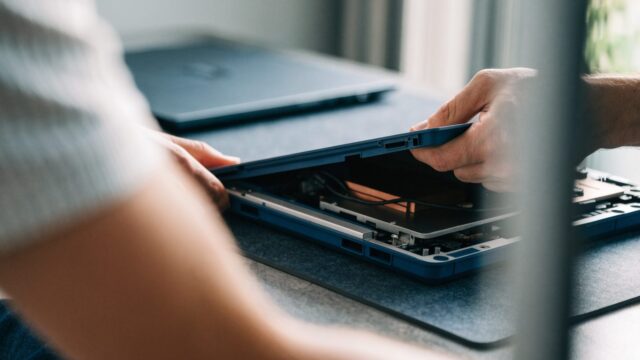
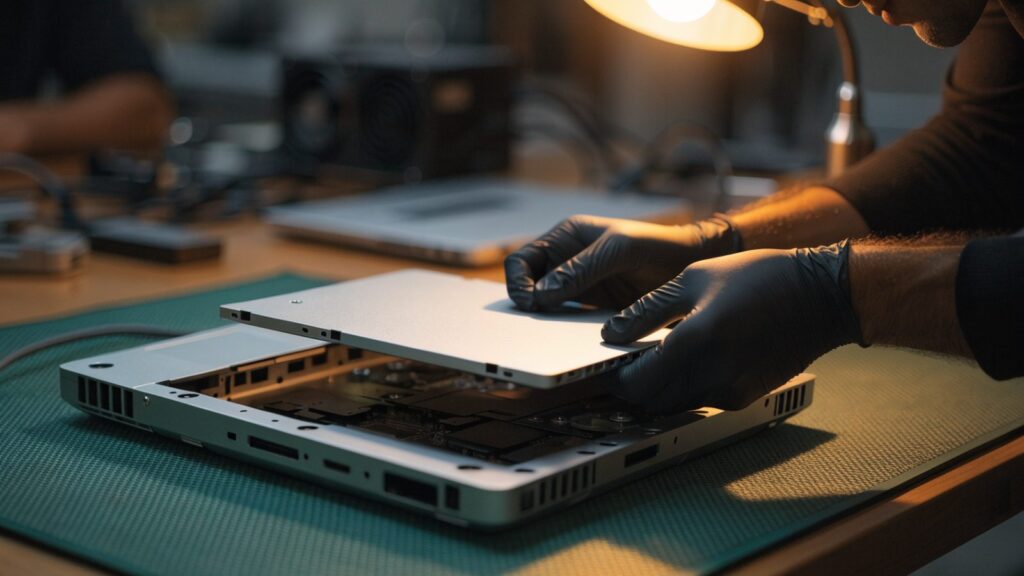
Step 2: Remove the rugged bezel (3000 series) or standard bezel
On 3000 series models, expect additional screws under the rubberized edges and possibly some adhesive strips holding the bezel in place. See how to open a Chromebook for general tools and technique.
Step 3: Disconnect the display cable at the locking connector
Lift the small locking flap on the ribbon cable connector before pulling it free. Forcing the cable out without releasing the lock is the most common way this repair damages the motherboard connector.
Step 4: Test before final reassembly
Connect the new panel and power on with the bezel still loose to confirm full functionality, including touch if applicable, before sealing the case back up, especially on the more time-consuming 3000 series reassembly.
Repair or Replace the Whole Chromebook?
At roughly $115–$195 total for the rugged 3000 series (slightly less for consumer Dell Chromebooks), compare this against the device’s remaining update support using Chromebook AUE dates explained, particularly for school-issued devices nearing end of life.
FAQ
Does Dell’s service tag guarantee the correct part?
It significantly narrows it down, since the service tag is tied to the exact configuration of that specific unit, including panel type, which is more reliable than matching by model name alone.
Is the 3000 series always harder to repair?
Generally yes, due to the reinforced rugged design, though it’s still very doable with the right tools and patience.
Could restarting issues be related to the screen instead?
Usually not directly, but if you’re also seeing reboots, check Dell Chromebook keeps restarting to rule out a separate cause before assuming it’s screen-related.