How to Open a Chromebook: Tools and Teardown Basics
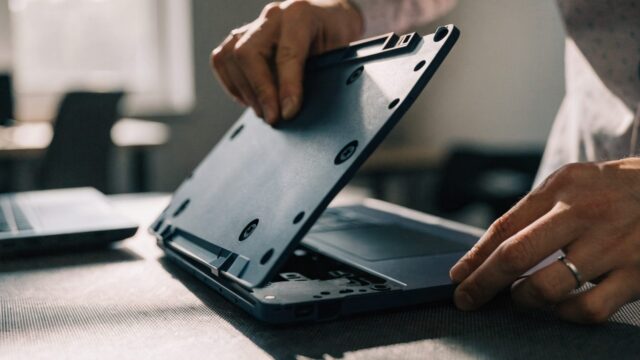
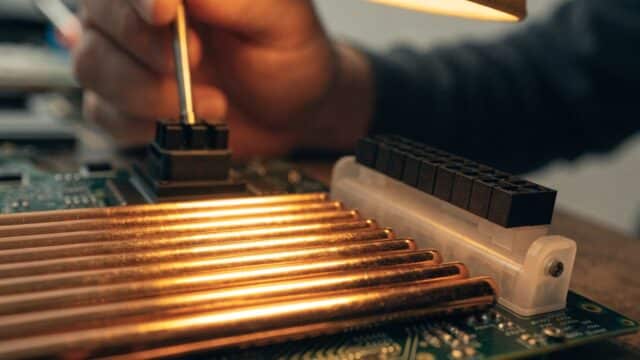
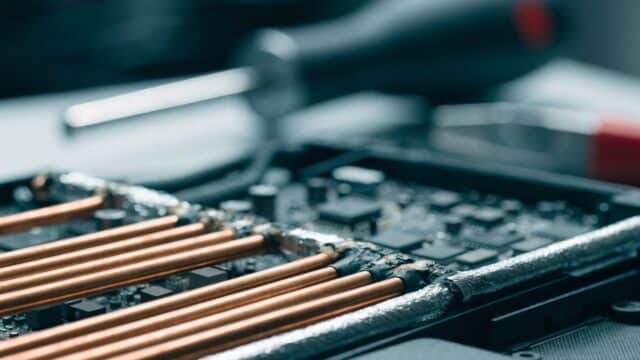
Planning a DIY repair? Here's what tools you need and the basics of opening a Chromebook without breaking anything.
3 min readKeyboard, screen, battery, trackpad and charging port repairs.
Planning a DIY repair? Here's what tools you need and the basics of opening a Chromebook without breaking anything.
3 min readBattery health checked out poor and runtime keeps getting worse? Here's how a Chromebook battery replacement actually works.
2 min readLoose, cracked, or grinding Chromebook hinge? Here's what repair actually involves and what it costs across brands.
3 min readAudio crackling, popping, or sounding distorted on your Chromebook? Here's how to narrow it down and fix it.
3 min readSticky keys or a Chromebook running hotter than it used to? Here's how to safely clean the keyboard and fan without damaging anything.
3 min readTrackpad dead, ghost-clicking, or unresponsive in spots? Here's what a Chromebook trackpad replacement costs and how the repair works.
3 min readCracked or dead Chromebook screen? Here's what replacement actually costs and when it's smarter to just buy a new one.
3 min readNo power, no charging light, no display even on external monitor? Here's how to tell if your Chromebook's motherboard has actually failed — and what it costs to fix.
3 min readThinking about DIY Chromebook repair? Here's the actual toolkit you need for battery, screen, and keyboard swaps — and what's overkill.
3 min readBattery draining fast or won't hold a charge on your HP Chromebook 11a? Here's what replacement costs on this budget 11.6" model and how the swap works.
3 min read