A failing hinge is a mechanical problem on any Chromebook, regardless of brand, and it’s rarely something a software fix touches. Here’s how to size up the damage and what repair costs.
Signs the Hinge Itself Has Failed
- The lid flops open or closed on its own instead of holding position
- Grinding or cracking sounds when opening or closing
- A visible gap between the lid and base on one side but not the other
- Cracked plastic in the chassis around the hinge barrel

What Repair Involves
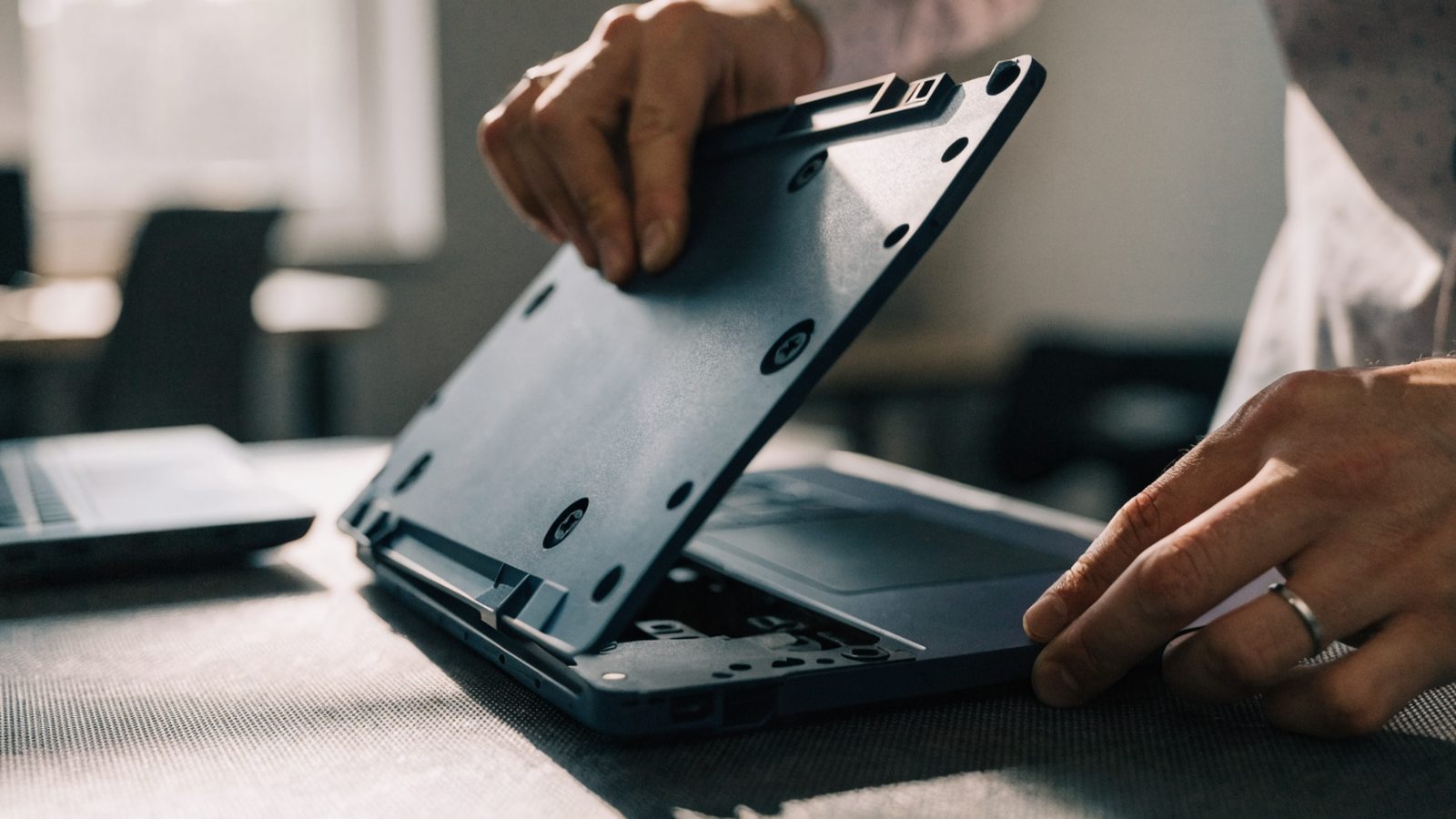
- The bottom cover is removed and the battery disconnected before any hinge work begins.
- The display bezel is separated from the lid to access the hinge assembly, taking care with the display and webcam cables routed through it.
- The hinge assembly is replaced with a part matching the exact model, since hinges aren’t interchangeable across different Chromebook lines, even within the same brand.
- Cables are re-routed exactly as before, since a pinched or stretched display cable is the most common way this repair goes wrong.
DIY vs. Repair Shop
DIY parts run $40–$90 depending on the model. A repair shop adds $40–$70 in labor, since the display cable routing makes this a more delicate job than a battery or keyboard swap. If the chassis plastic itself is cracked rather than just the hinge mechanism, a full top case replacement is usually needed instead, which a shop can quote based on your specific model.
Minor Wobble vs. Full Failure
If the lid is just slightly loose rather than flopping freely, tightening the hinge mounting screws (accessible from inside the base) sometimes resolves it without needing a full replacement. If that doesn’t help within a turn or two, the hinge itself needs replacing rather than adjusting.
Still Deciding?
If the display flickers or shows no image after the hinge is fixed, the cable was likely damaged during the process rather than the hinge repair itself being at fault; see our screen flickering guide to rule out a settings cause first. If the Chromebook is more than three years old, weigh the repair cost against our Best Chromebooks Under $300 picks before committing.
FAQ
Can I keep using a Chromebook with a broken hinge?
Short-term, yes, if the screen still shows an image. Prop it at a fixed angle and avoid moving it, since continued flexing stresses the display cable further.
Does warranty cover hinge failure?
Failure from normal wear within the warranty period is often covered. Damage from a drop or forcing the lid past its range is usually treated as accidental damage and typically isn’t.
Are hinges the same across all models from one brand?
No. Even within the same manufacturer, hinge assemblies differ by model line, so a replacement part has to match the exact model number, not just the brand.