A cracked, flickering, or completely dead Chromebook screen doesn’t necessarily mean the whole device is done for, but replacement isn’t always worth it either. Here’s what it actually costs, and how to decide between repairing and just buying a new one.
What Affects the Price
- Screen size and resolution — larger and higher-resolution panels cost more than standard 1366×768 displays
- Touchscreen vs. non-touch — touch-enabled digitizer assemblies cost noticeably more than a plain LCD panel
- Brand and model availability — common models like Acer and Lenovo Chromebooks have cheaper, easier-to-find replacement parts than less common ones
- Whether you do it yourself or pay a shop for labor
DIY vs. Repair Shop Cost Breakdown
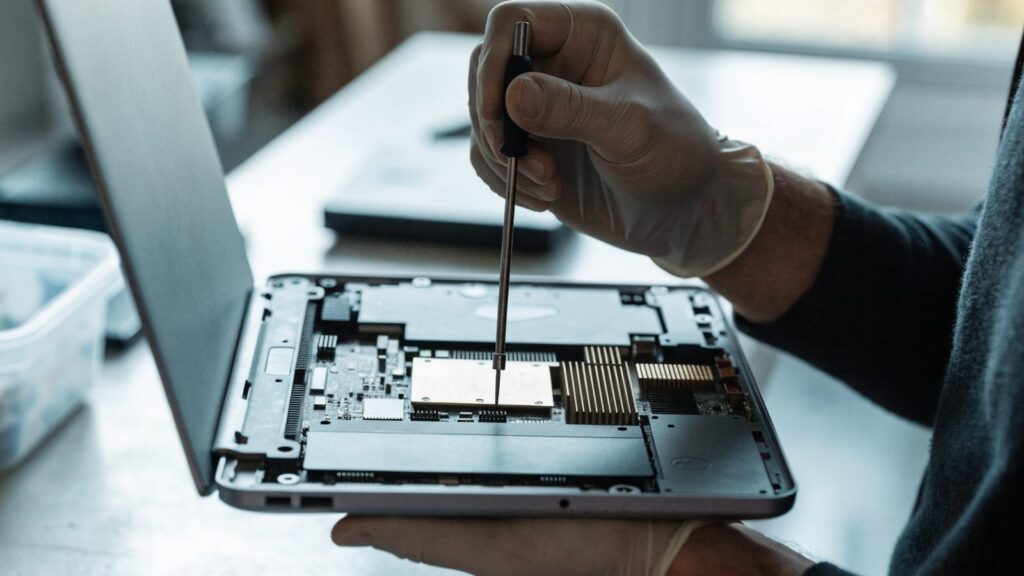
- DIY parts only: $40–$100 for a standard non-touch panel, $80–$150 for a touchscreen assembly, ordered from sites like iFixit or Amazon.
- Repair shop, parts and labor: $120–$220 for most models, though touchscreen models and less common brands can run higher.
- Manufacturer or authorized repair: Often the most expensive option, but the safest if the device is still under warranty, since DIY repairs typically void it.
When Repair Makes Sense
Replacement is worth it when the rest of the Chromebook works fine, the model originally cost $400 or more, or it’s a work or school-issued device you’re expected to keep using. It’s also the better call if only the screen is damaged and everything else — battery, keyboard, ports — still tests fine.
When Buying New Makes More Sense
If the Chromebook was a sub-$300 budget model, repair costs can approach or exceed the price of a new one. It’s also not worth it if the AUE (Auto Update Expiration) date is coming up soon, since ChromeOS stops receiving updates after that regardless of the hardware’s condition.
How to Tell If It’s the Screen or Something Else
- Connect the Chromebook to an external monitor. If the image displays correctly there, the panel itself is the problem, not the graphics hardware.
- Shine a flashlight closely at the dark screen while it’s on. If you can faintly see a desktop image, the backlight has failed rather than the panel itself, which is usually a cheaper fix.
- Run the built-in Diagnostics app if the screen is at least partially visible, to rule out other hardware issues before committing to a screen swap.
Still Deciding?
If the screen is flickering rather than fully dark or cracked, check our screen flickering guide first, since that’s sometimes a cable or settings issue rather than a full panel failure that needs replacing.
FAQ
Can I replace just the glass without replacing the whole screen?
On most Chromebooks, no. The glass, digitizer, and LCD panel are usually fused into one assembly, so a cracked screen means replacing the whole unit rather than just the outer glass.
Does Chromebook screen replacement void the warranty?
Opening the device yourself typically voids any remaining manufacturer warranty. If the Chromebook is still covered, check with the manufacturer before attempting a DIY repair.
Is it worth repairing a school-issued Chromebook?
Usually yes, since schools often charge a device damage fee comparable to or higher than a basic screen repair, and returning it in working condition avoids that fee entirely.