Once the built-in Diagnostics app confirms a battery has genuinely degraded rather than something else draining it, replacement is usually a straightforward repair on most Chromebook models.
Confirm You Need a Replacement First
- Open the battery health check in the Diagnostics app and compare reported capacity to your model’s original spec.
- Below roughly 80% of original design capacity, combined with noticeably shorter runtime, points to a genuinely worn battery rather than a software cause.
- Rule out background apps or too many open tabs draining power faster than the battery itself is at fault.

What the Replacement Involves
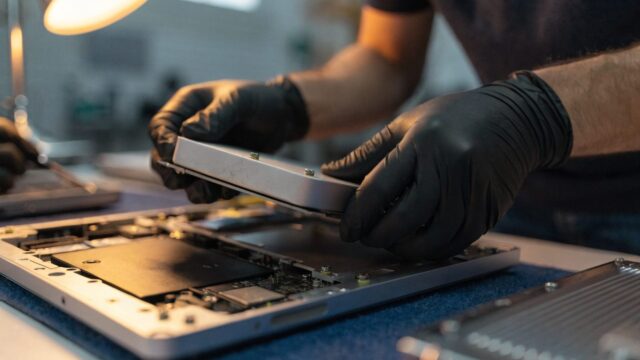
- Power off the Chromebook completely and remove the bottom cover screws.
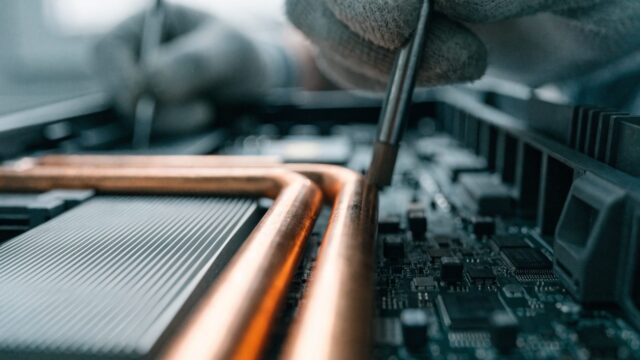
- Disconnect the battery cable from the motherboard before removing the old battery, which is usually held in with a few screws and adhesive.
- Install the replacement battery, matching the exact model number, since batteries aren’t interchangeable across different Chromebook lines.
- Reconnect the battery cable, replace the bottom cover, and let it charge fully before first use.
DIY vs. Repair Shop
DIY parts run $30–$60 depending on the model, available from sites like iFixit. A repair shop adds $30–$60 in labor, since some models use adhesive that needs careful heating or prying to release without damaging the chassis. If the device is still under warranty, an authorized repair keeps that coverage intact, unlike a DIY swap.
Still Not Charging After Replacement?
If the new battery still won’t charge or hold a charge, double-check the cable connection first, since a loose connector is a common cause of a “replacement didn’t work” situation. If charging itself is the issue rather than the battery, see our guide on a Chromebook that shuts down randomly for other causes worth ruling out.
FAQ
Does replacing the battery void the warranty?
Opening the device yourself typically voids any remaining manufacturer warranty. If it’s still covered, check with the manufacturer before attempting a DIY swap.
How long does a battery replacement take?
Most models take 30–60 minutes for someone doing it for the first time, longer if adhesive needs careful removal.
Is it worth replacing the battery on an older Chromebook?
Check the AUE (Auto Update Expiration) date first. If ChromeOS updates are ending soon regardless of hardware condition, that repair budget may be better spent on a newer device.