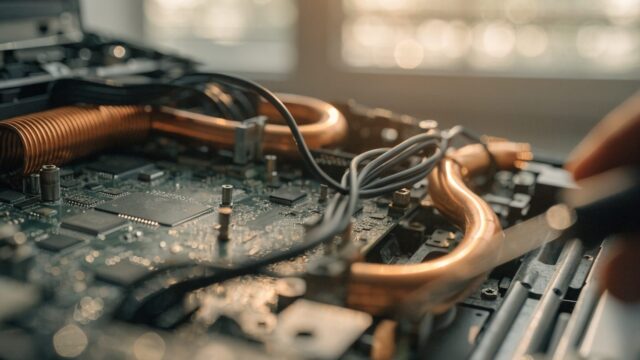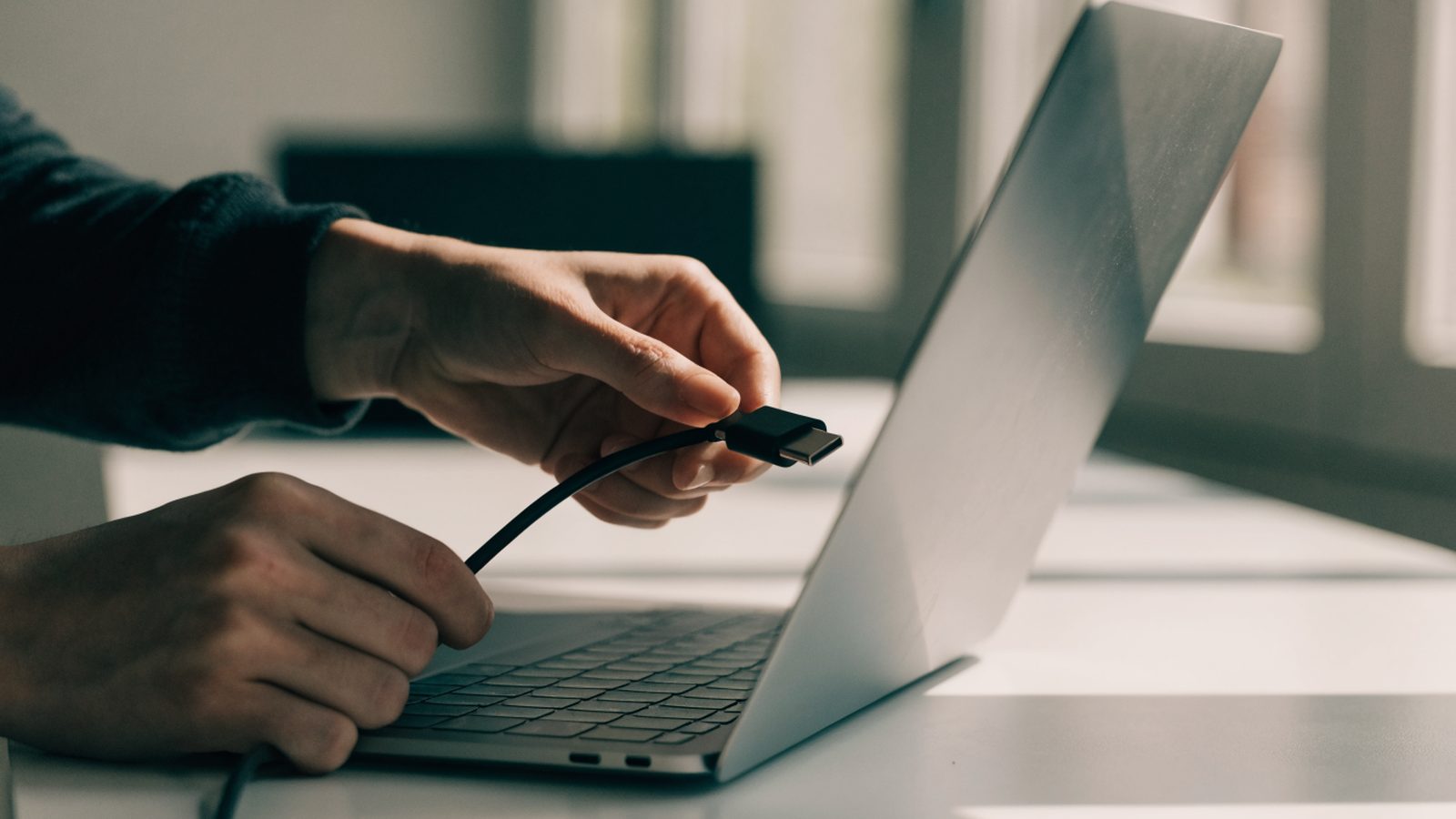
Quick Answer: The Acer Chromebook 511 (C734/C736 series) is built for K-12 fleets, so its USB-C charging ports are soldered to a reinforced section of the motherboard rather than a separate daughterboard. Most failures are a cracked solder joint from repeated plugging rather than a dead port controller, and a repair generally means resoldering or swapping the port at board level for $40–$70, taking 45–75 minutes.
Why the 511’s Charging Port Fails Differently
- As a rugged education model, the 511 sees far more daily plug/unplug cycles than a consumer Chromebook, and repeated flexing at the port is the single biggest cause of failure — usually a hairline crack in the solder joints rather than a burned-out controller
- Acer reinforced the port area on this line compared to earlier rugged models, so the port itself rarely melts or deforms the way it can on cheaper builds; the failure is almost always mechanical (loose joint) rather than electrical damage
- Because both USB-C ports on the 511 can usually deliver power, a “won’t charge” symptom on one port with the other still working points squarely at that specific port rather than the charging circuit as a whole
Fix Steps
Step 1: Test the other USB-C port first
Try charging from the second USB-C port if the 511 has one available. If it charges normally from the other port, you’ve isolated the problem to that single port rather than the battery or charging circuit — similar to the isolation step used for Acer Chromebook won’t turn on issues.
Step 2: Wiggle-test the connection
With the charger plugged in, gently move the cable at the port while watching the charging indicator light. If charging flickers on and off with movement, that confirms a loose or cracked solder joint rather than a fully dead port.
Step 3: Check your fleet’s repair contract
Many districts running the 511 have bulk-repair pricing through Acer for education fleet devices, which is often cheaper and faster than an independent repair for a single unit.
Step 4: Open the rugged shell
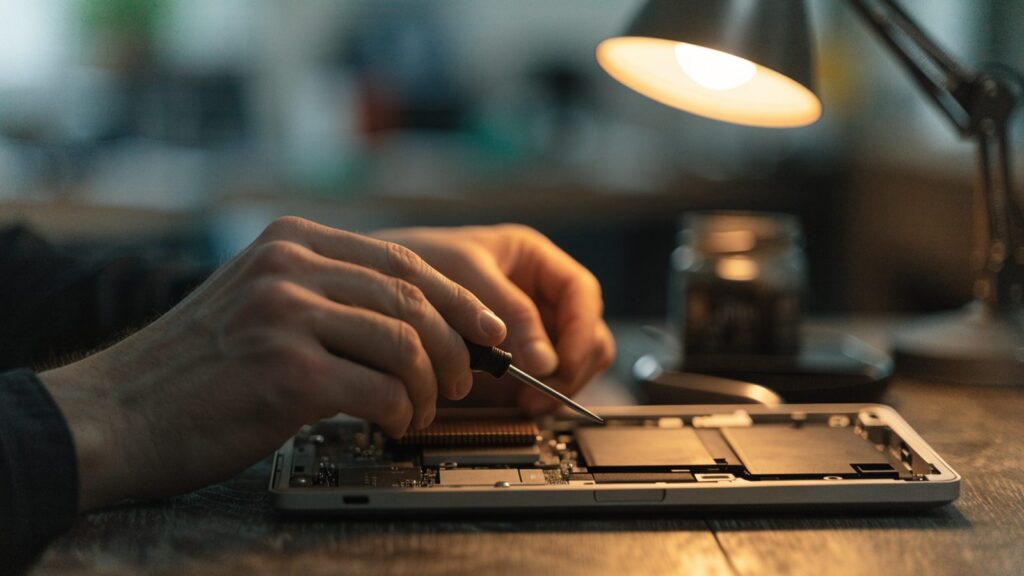
The 511’s reinforced bottom cover uses more screws than Acer’s consumer Chromebooks to survive drops; remove all of them and work the clips loose evenly around the edge rather than prying from one corner.
Step 5: Resolder or replace the port
With the board exposed, a technician can either reflow the existing solder joints if the port itself is undamaged, or desolder and replace the USB-C port module if the housing is cracked or bent. This step needs a fine-tip soldering iron and isn’t practical without one.
Step 6: Reassemble and load-test
Reassemble the shell, then charge under normal use for at least 20–30 minutes while wiggling the cable to confirm the joint holds under the same stress that caused the original failure.
Repair or Replace?
At $40–$70, a port repair is worth it for a fleet device with time left before its Acer Chromebook AUE date. Check your district’s bulk-repair terms first, since group rates are usually lower than paying per device.
FAQ
Can I fix a loose charging port without soldering?
Not reliably. A loose port is a mechanical joint problem, and while some people try holding the cable at an angle as a workaround, that just delays a proper resolder or port swap.
Is this the same repair as on other Acer Chromebooks?
The process is similar, but the 511’s reinforced shell has more screws and a sturdier board mount, so expect the teardown to take a bit longer than on consumer Acer models.
Will a third-party charger cause this issue?
Cheap or underpowered chargers won’t crack a solder joint on their own, but a loose-fitting third-party cable can accelerate wear at the port if it doesn’t seat firmly.