
Google pushed ChromeOS 151 to the Stable channel on August 13, three weeks after the build landed in Beta. Most of what changed sits under the hood, which is normal for a midsummer release. But one line in the release notes has permanent consequences for a specific group of users: a batch of ChromeOS Flex machines just received their final update.
What actually changed
The visible change is small and pleasant. Under Settings, then Appearance, there are now explicit controls for bookmark bar visibility on the New Tab page. If Chrome notices you rarely touch the bar, it tucks it away to give you back a strip of vertical screen space, and a small prompt lets you bring it back permanently with one click. School and business administrators who want the bar visible on every managed device can force it through the BookmarkBarEnabled policy.
The more interesting addition is on the Gemini side. Real-time Safe Browsing checks now run inside active Gemini sessions in Chrome, so when you ask Gemini to summarize a page or follow a link for you, the destination gets verified live rather than checked against a list downloaded hours earlier. Given how quickly phishing domains get spun up and torn down, that is the right place to put the check. Google also tightened the URLBlocklist policy so it is enforced properly in Incognito windows, closing a loophole where allowlist entries could quietly override a block in a private tab.
Security-wise, 151 closes 18 CVE-tracked vulnerabilities. The two headline entries are a critical integer overflow in Mojo (CVE-2026-13281) and a use-after-free in the Aura window manager (CVE-2026-15905), with the rest spread across DOM handling, WebGL, the File System Access API, Payments, Extensions, and Web Authentication. That is a solid haul, though not a record: the second LTS-144 patch in late July fixed 29 flaws on its own branch.
The Flex cutoff is the real story
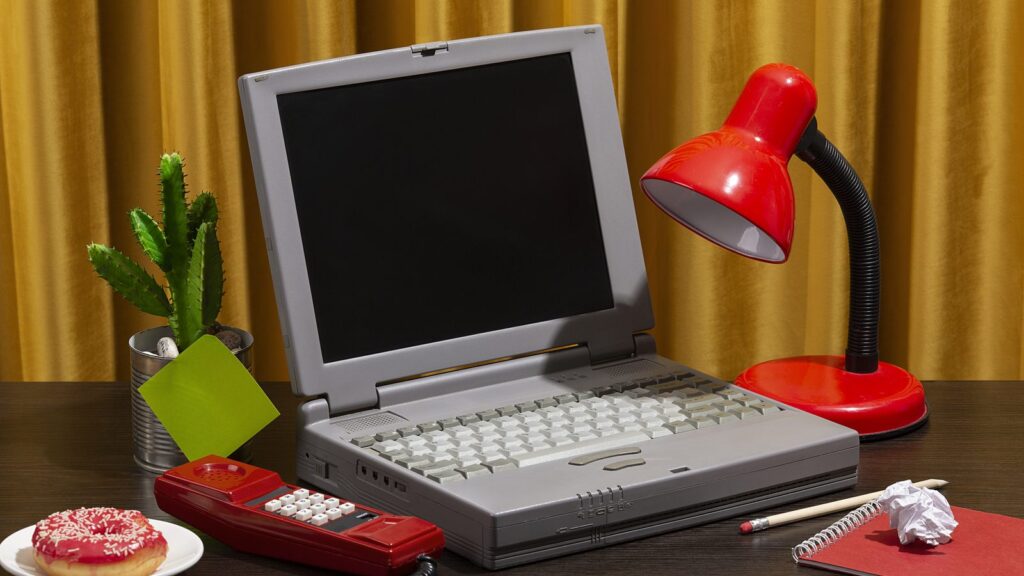
Buried in the same release is the change that will actually strand hardware. Starting with milestone 151, ChromeOS Flex no longer updates devices with legacy graphics: Intel and AMD GPUs from 2010 and older, and Nvidia GPUs from 2014 and older. Those machines stay on ChromeOS 150 and remain pinned there. They keep working, but the version number they are on today is the version number they keep.
Google frames this as a stability measure, and honestly that reasoning holds. Flex runs on hardware nobody at Google ever certified, and drawing modern compositing on a fifteen-year-old integrated GPU produces exactly the graphical glitches and freezes support forums are full of. Still, it is worth saying plainly: the whole pitch of Flex, since the CloudReady acquisition became an official Google product in 2022, was giving old laptops a second life. This is the point where “second life” gets an expiry date, and it arrives without the ceremony of a proper AUE notice.
If you converted an old Windows machine and you are not sure which side of the line it falls on, the practical test is simple: check whether your device is still being offered 151 after a few days of the rollout. If it sits on 150 while everything else moves, that is your answer.
Kiosk mode loses legacy Chrome Apps
The other shoe has dropped for legacy packaged Chrome Apps. Google laid out the timetable in the ChromeOS 150 release back in July, and with 151 those apps no longer launch in Kiosk mode at all. Anyone running digital signage, self-service terminals, or locked-down student testing stations on a legacy Chrome App needs a Progressive Web App replacement now, not next term.
Force-installed Chrome Apps inside standard user sessions and Managed Guest Sessions still run for the moment. That is a phased retirement, not a reprieve, so treat the Kiosk cutoff as the warning shot for the rest.
What Chromebook owners should do
Open Settings, select About ChromeOS at the bottom of the left menu, click Check for updates, and restart when prompted. The rollout is staged, so if nothing appears today, wait a couple of days before assuming your device has been dropped. Our guide to updating ChromeOS manually covers what to do when the download stalls or the update button does nothing.
One curious exception: device tracker cros.tech shows the Lenovo Chromebook Plus 14 is not being offered 151 yet, with no stated reason. Nothing suggests it has been dropped, and holds like this usually clear within a week or two.
For everyone else, this is a routine update with an above-average security payload, and there is no reason to delay it. If you were tracking 151 since it hit the Beta channel on July 23, the wait is over. If you are on the Long Term Support channel, you stay on LTS-144 until October regardless of what Stable is doing.




LOG 1 report