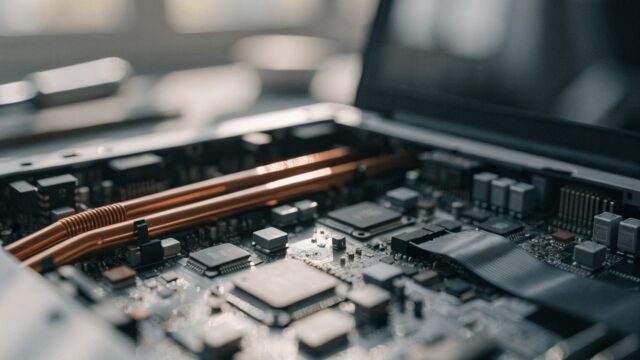
How to Open a Chromebook: Tools and Teardown Basics
Planning a DIY repair? Here's what tools you need and how to safely open a Chromebook without breaking clips or cables.
3 min readChriss Rakoot writes and maintains the repair guides on ChromebookFixes. He trained as an engineer, specialized in IT and computer-systems maintenance, and worked for years as an in-person trainer in that field before moving his teaching online. Guides are reviewed and updated when ChromeOS changes.
Planning a DIY repair? Here's what tools you need and how to safely open a Chromebook without breaking clips or cables.
3 min read
Crackling, buzzing, or distorted sound from your Chromebook speakers? Here's how to fix it, from settings to hardware.
3 min read
Cracked your Chromebook screen? Diagnose the damage, weigh repair vs replace, and follow the step-by-step panel replacement guide.
7 min read
Loose, cracked, or snapped Chromebook hinge? Here's what causes it and your realistic repair options.
3 min read
Trackpad still broken after troubleshooting? Here's how to replace it, what it costs, and when it's worth doing yourself.
3 min read
Chromebook not charging even with a good cable? Here's how to tell if the port is damaged and what repair actually costs.
3 min read
Sticky keys or a loud, dusty fan? Here's how to clean both without damaging your Chromebook.
3 min read
Chromebook battery not holding a charge anymore? Here's how to confirm it, source a replacement, and swap it safely.
3 min read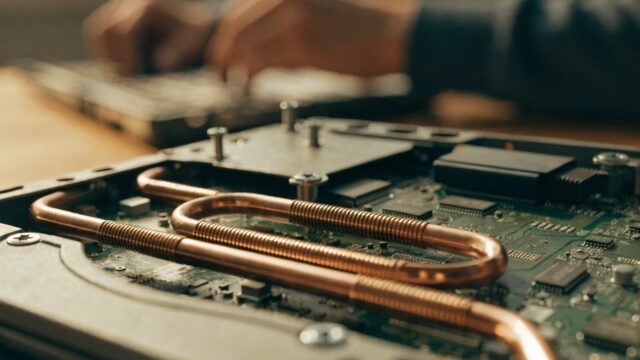
Broken Chromebook screen? Here's what replacement actually costs, how it compares to buying a new one, and how to decide.
3 min read
Lost or broken a keycap on your Chromebook? Here's how to tell if you can fix it yourself and how to do it without breaking the switch underneath.
3 min read