
ChromeOS Stuck in Tablet Mode: How to Switch Back
Chromebook showing the tablet-style interface even though it's in laptop mode? Here's how to fix tablet mode getting stuck.
2 min readChriss Rakoot writes and maintains the repair guides on ChromebookFixes. He trained as an engineer, specialized in IT and computer-systems maintenance, and worked for years as an in-person trainer in that field before moving his teaching online. Guides are reviewed and updated when ChromeOS changes.
Chromebook showing the tablet-style interface even though it's in laptop mode? Here's how to fix tablet mode getting stuck.
2 min read
Seeing a red or white "OS verification is off" warning at startup? Here's what it means and how to get rid of it.
3 min read
Chrome acting up with weird settings, redirects, or broken extensions? Here's how to reset it back to default without a full Powerwash.
2 min read
Chromebook no longer getting updates? Here's what Auto Update Expiration means and your realistic options once you hit it.
2 min read
ChromeOS flags let you enable experimental features early. Here are the useful ones worth trying and the ones that cause more problems than they solve.
3 min read
Thinking about enabling Developer Mode on your Chromebook? Here's what it actually does, the risks, and how to turn it on or off.
2 min read
Chromebook won't boot into a working desktop? Here's how to build a recovery USB drive and reinstall ChromeOS from it.
3 min read
Need a clean slate on your Chromebook? Here's exactly what Powerwash does, when to use it, and how to do it safely.
3 min read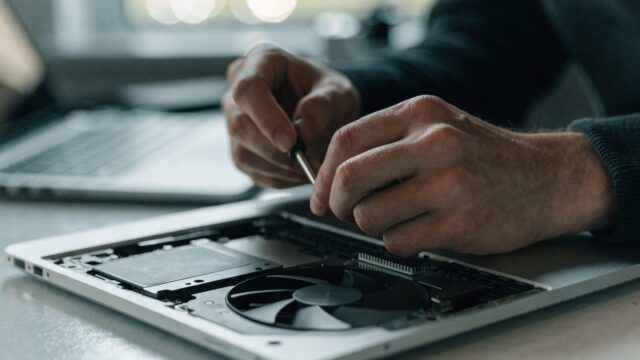
Wondering if you can add more RAM or storage to a slow Chromebook? Here's the honest answer, model by model.
3 min read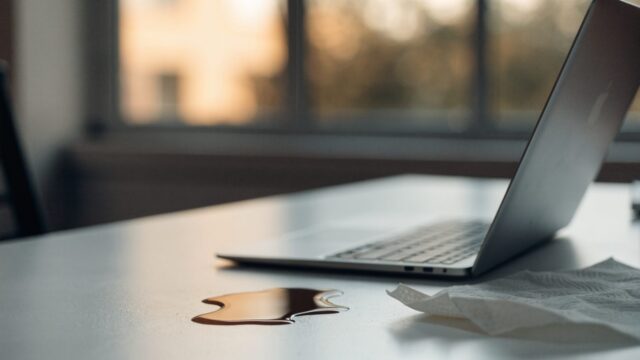
Spilled liquid on your Chromebook? What you do in the first 10 minutes matters more than anything after. Here's the correct order of steps.
3 min read