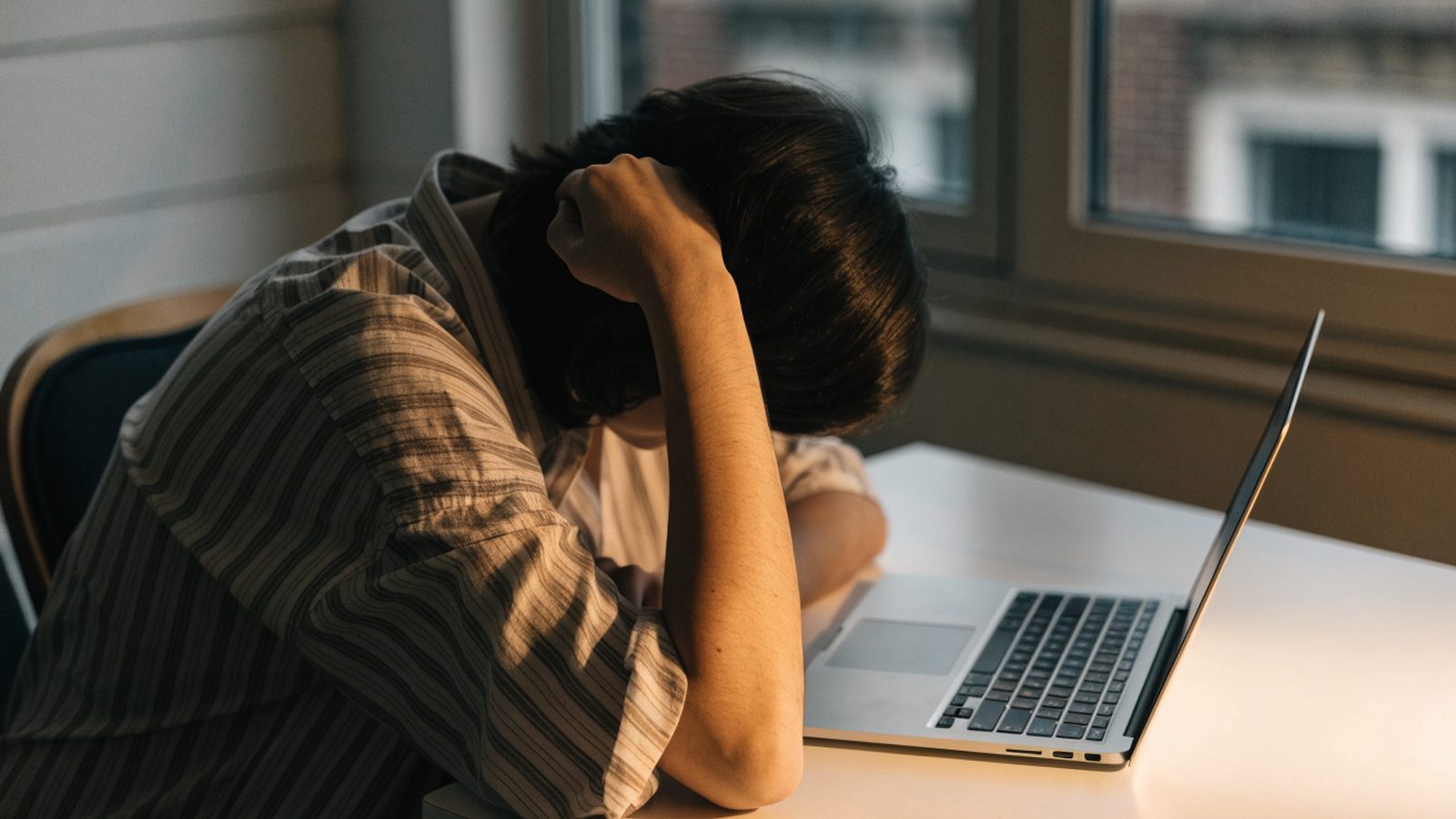
You press the power button, the Chrome logo appears, and then nothing happens. No sign-in screen, no progress bar. A Chromebook stuck on Chrome screen at startup looks bad, but most of the time the fix takes a few minutes and no screwdriver.
Work through the fixes below in order. The first ones are free and safe. The last one reinstalls ChromeOS, and I flag every step that touches your data.
Wait 10 to 15 minutes in case an update is finishing. If the logo still doesn’t move, unplug every accessory and do a hard reset: hold Refresh and tap Power. Still stuck? Boot into Recovery Mode with Esc + Refresh + Power and reinstall ChromeOS. If the recovery screen never shows up, the problem is hardware.
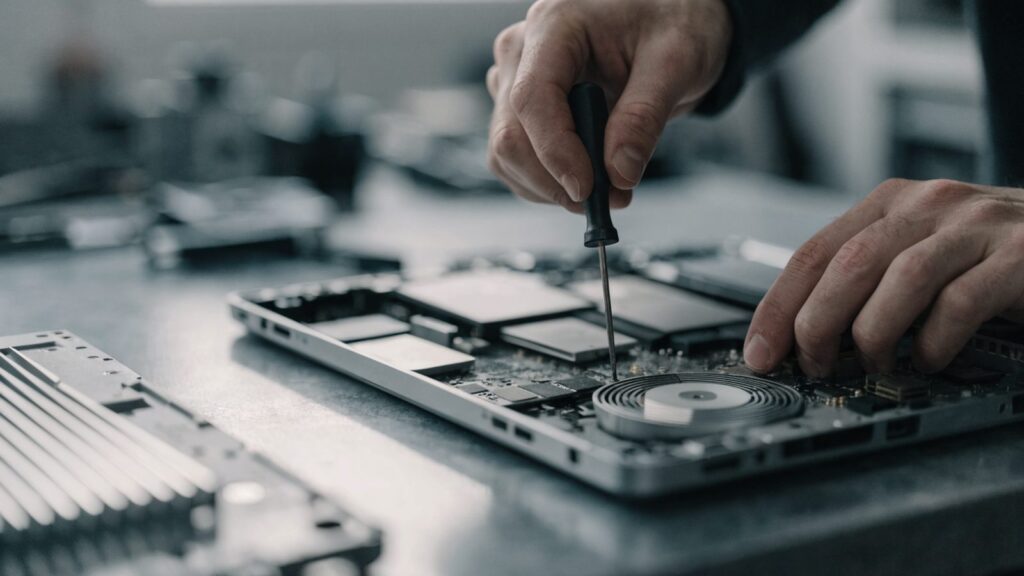
Why is my Chromebook stuck on the Chrome logo?
Almost every case comes down to one of these:
- An update is still installing. Big ChromeOS updates can sit on the logo for several minutes, especially on older models with slow eMMC storage.
- An update got interrupted. The battery died or the lid closed mid-install, and the system never finished switching to the new version.
- A USB drive, SD card or dock is plugged in and getting in the way of the boot process.
- The battery is nearly flat. There’s enough power to light the screen, not enough to finish booting.
- System files got corrupted after a crash or a forced shutdown, so the verified boot check fails.
- The storage chip or the motherboard is failing. This is the one cause no software fix will solve.
What you see tells you where to start
| What you see | Likely cause | Start with |
|---|---|---|
| Logo with a spinner or progress bar | Update installing | Fix 1 (wait) |
| Logo that never animates, white or black background | Frozen boot | Fix 2, then Fix 3 |
| Logo, restart, logo again, over and over | Boot loop after a bad update | Fix 3, then Fix 4 |
| “OS verification is off” before the logo | Developer Mode is on | Fix 4 |
| “ChromeOS is missing or damaged” | Corrupted system partition | Fix 5 and Fix 6 |
| Logo only, recovery keys do nothing | Hardware fault | “Still not working?” below |
Fix 1: Give it 10 to 15 minutes
ChromeOS downloads updates in the background onto a second system partition and switches to it when you restart. Usually that switch is instant. After a big version jump, though, or on a Chromebook with 16 or 32 GB of aging eMMC storage, the first boot can hang on the logo for a while.
Plug in the charger, don’t touch anything, and time it. Any sign of life (a spinner, a progress bar, the logo pulsing) means it’s still working. Forcing a restart now only makes you wait longer.
Fix 2: Unplug accessories and charge it
- Remove USB drives, SD cards, USB-C hubs, docks and external monitors.
- Plug in the original charger, or a USB-C PD charger with the same wattage, and check that the charging light comes on.
- If the battery was flat, leave it charging for at least 30 minutes.
- Power on again with nothing else attached.
A drained battery is sneaky here. The Chromebook has just enough power to show the logo, then stalls when the boot needs more. If the charging light doesn’t come on at all, jump to our guide on a Chromebook that won’t turn on.
Fix 3: Force a hard reset
A hard reset restarts the embedded controller, the small chip that manages power, the keyboard and the battery. It clears whatever state the boot got stuck in. It doesn’t delete any files.
- Hold
Powerfor about 10 seconds until the screen goes dark. - Press and hold
Refresh(the circular arrow key, where F3 sits on a normal keyboard). - While holding
Refresh, tapPower. - Let go of
Refreshwhen the Chromebook starts, then watch whether it gets past the logo.
On Chromebook tablets and detachables, hold Volume Up + Power for 10 seconds instead. A few older models use a small reset hole on the bottom of the case or need the battery disconnected. Your manufacturer’s support page lists the exact method for your model.
Fix 4: Rule out Developer Mode and boot loops
If a warning saying “OS verification is off” appears before the logo, the Chromebook is in Developer Mode. Press Ctrl + D to keep booting. To go back to normal mode, follow our OS verification is off guide. ⚠ This erases local data: leaving Developer Mode wipes the device.
If the logo appears, the screen goes black, and the logo comes back again, that’s a boot loop rather than a freeze. Do the hard reset once more. If it keeps looping, our boot loop guide covers the causes, and you’ll probably end up at Fix 5.
If the Chromebook does reach the sign-in screen but freezes or restarts from there, you can Powerwash it without signing in. Press Ctrl + Alt + Shift + R on the sign-in screen and choose Restart. ⚠ This erases local data.
Fix 5: Boot into Recovery Mode
Recovery Mode is also the best diagnostic test you have. The recovery screen loads from read-only firmware, not from the ChromeOS partition. So if it shows up, the screen, the motherboard and the firmware all work, and the problem is the ChromeOS install itself. That’s good news: it’s fixable at home.
- Turn the Chromebook off.
- Press and hold
Esc + Refresh, then pressPower. - Let go of
Power. When a message appears on screen, let go of the other keys. - On a tablet, hold
Volume Up + Volume Down + Powerfor at least 10 seconds. On a Chromebox, press the recovery button with a paperclip while powering on.
Newer Chromebooks offer “Recover using internet connection” right on this screen, which downloads ChromeOS over Wi-Fi with no USB drive needed. Older models ask for recovery media, which is Fix 6.
Fix 6: Reinstall ChromeOS from a recovery USB
⚠ This erases local data. Google Drive files and everything synced to your Google Account come back when you sign in again. The Downloads folder and Linux files do not.
- On another computer running Chrome, install the Chromebook Recovery Utility extension from the Chrome Web Store.
- Insert a USB drive or SD card of 8 GB or more. Everything on it will be wiped.
- Open the utility and type the model number shown at the bottom of the recovery screen, or pick your model from the list.
- Let it create the recovery media, then plug it into the stuck Chromebook while the recovery screen is showing.
- Follow the prompts. The reinstall usually takes 10 to 20 minutes, and the Chromebook restarts on its own when it’s done.
Our full walkthrough on how to create a ChromeOS recovery USB has screenshots of each step. If recovery stops with a numbered error, look it up in our list of recovery screen error codes. Errors that mention storage point to hardware.
What about ChromeOS Flex?
If you installed ChromeOS Flex on an old PC or Mac and it hangs on the Chrome logo, the cause is usually hardware support, not a corrupted install. Check that your model is on Google’s list of certified Flex devices and update the BIOS or UEFI firmware. Then recreate the Flex USB installer and boot the live session from it. If the live session freezes on the logo too, the graphics chip or storage controller probably isn’t supported, and no reinstall will change that.
Still not working?
Two situations point straight to hardware: the recovery screen never appears, or you have a Chromebook stuck on logo screen again right after a clean reinstall. On most Chromebooks the storage chip is soldered to the motherboard, so a failing chip means a new board.
Check the warranty first. Most Chromebooks come with one year of manufacturer coverage, and school or work devices go through your IT admin, who may simply swap it. Out of warranty, get a repair quote with the model number and a list of what you already tried. On a budget Chromebook close to its Auto Update Expiration date, a new motherboard often costs more than the laptop is worth, and that money is better spent on a replacement.
FAQ
How long is too long to be stuck on the Chromebook logo?
Up to 15 minutes can be a normal update on older hardware. Past that, with no spinner or animation, treat it as frozen and do a hard reset.
Is it safe to force a restart during a ChromeOS update?
In practice, yes. ChromeOS keeps two copies of the system. If the updated copy fails to boot, the Chromebook falls back to the previous working version on the next start and tries the update again later.
Will I lose my files fixing a Chromebook stuck on the logo?
Not with a hard reset. A Powerwash or a recovery reinstall erases local files, but anything in Google Drive or synced to your account returns when you sign back in.
Why does my Chromebook freeze on the Chrome screen after every update?
A one-off hang is usually a slow first boot into the new version. If it happens after every update, the storage is often wearing out and struggling to write the new system partition. Back up your files and plan for a repair or a replacement.
Fixes by Chromebook Brand
The boot process is the same ChromeOS everywhere, but firmware and storage hardware differ by manufacturer, and that matters when a Chromebook hangs on the logo. If you know your brand, its dedicated guide goes further:
- Acer Chromebook Stuck on the Logo Screen
- ASUS Chromebook Stuck on the Logo Screen
- HP Chromebook Stuck on the Logo Screen
- Lenovo Chromebook Stuck on the Logo Screen
- Samsung Chromebook Stuck on the Logo Screen

LOG 1 report