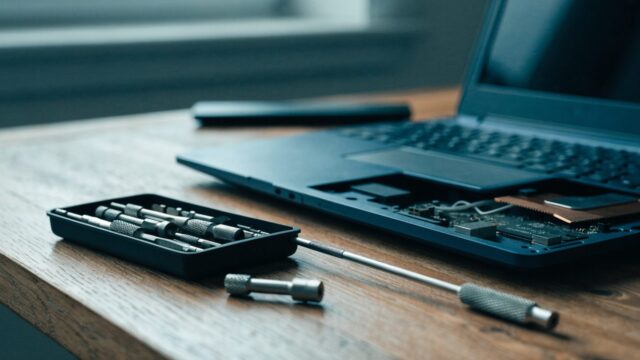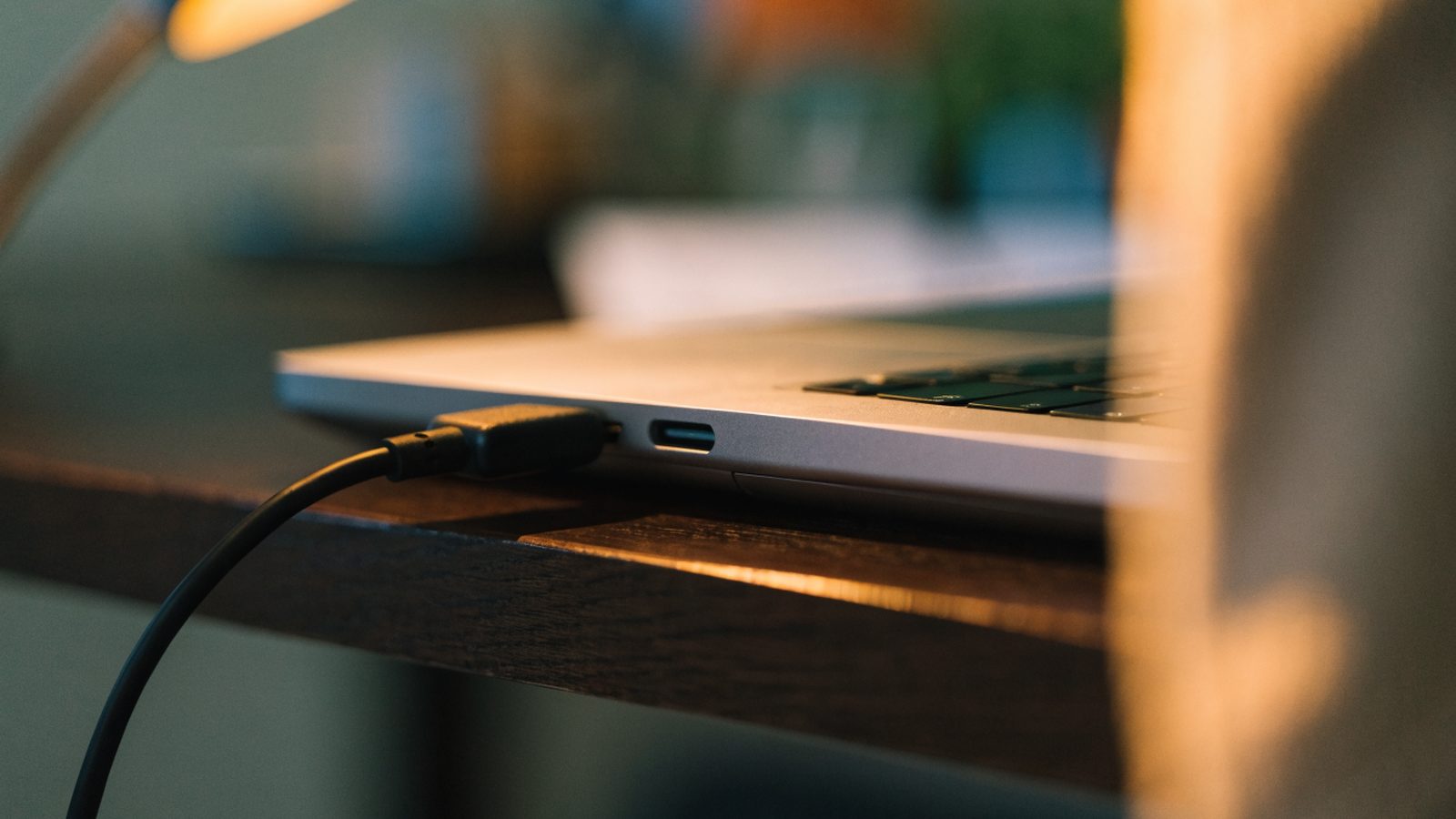
Quick Answer: Samsung Chromebook charging port repair typically costs $50–$90 at a repair shop, since the USB-C port is soldered directly to the motherboard on most Samsung models rather than sitting on a separate replaceable daughterboard. Confirm the port itself is actually damaged first — a bad cable, charger, or software issue causes the same symptoms far more often than a physically broken port.
Confirm It’s the Port, Not Something Else
- Test with a different USB-C cable and charger entirely, ideally ones you know work with another device
- Wiggle the cable gently while plugged in and watch the charging indicator — a connection that cuts in and out with movement points to a loose or damaged port
- Look inside the port with a flashlight for bent pins, lint buildup, or visible corrosion
- Rule out a software-level charging issue first with the full Chromebook not charging diagnostic guide
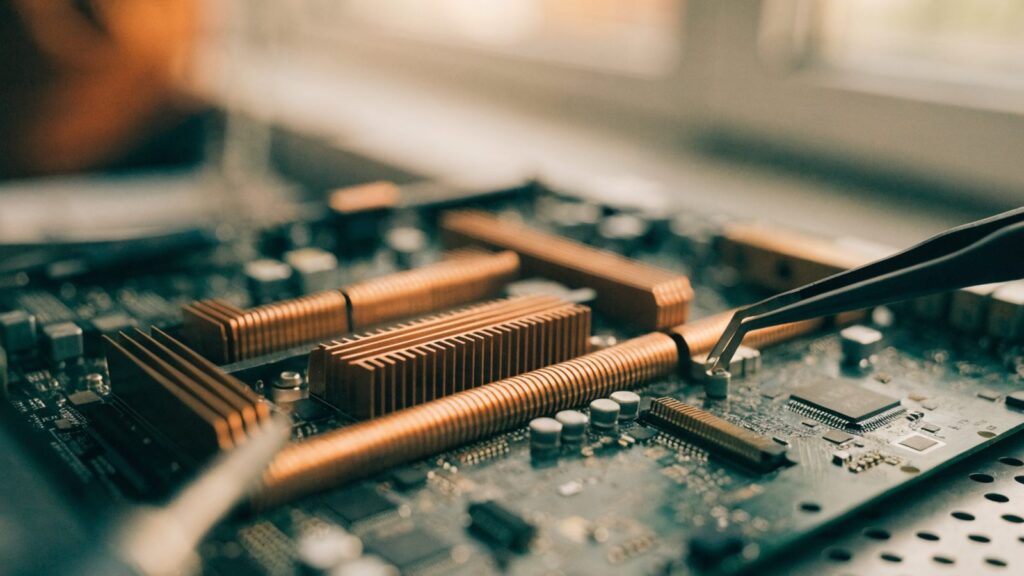
Why This Is a Motherboard-Level Repair on Most Samsung Models
Unlike some brands that mount the USB-C port on a small separate board connected by a short cable, most Samsung Chromebooks solder the port directly onto the main logic board. This means a damaged port usually requires either a full motherboard swap or micro-soldering to replace just the port — both are jobs for a repair shop with the right equipment rather than a home DIY fix.
What a Repair Shop Will Do
Step 1: Diagnose with a multimeter and known-good charger
A shop will confirm power isn’t reaching the charging circuit at all, ruling out a battery or charging IC fault elsewhere on the board before touching the port itself.
Step 2: Inspect for physical damage or debris
Bent contacts from repeated cable insertion at an angle, or lint and debris packed into the port, are common and sometimes fixable with careful cleaning rather than a full repair.
Step 3: Micro-solder a replacement port or swap the board
If the port itself is physically damaged, a shop either desolders and replaces just the USB-C connector (cheaper, requires precision equipment) or replaces the whole motherboard (more expensive, more reliable outcome).
What You Can Try Yourself First
Step 1: Clean the port carefully
Power off the Chromebook and use a can of compressed air or a wooden toothpick (never metal) to clear out any visible lint or debris before assuming the port is broken.
Step 2: Try charging from both sides if your model has two USB-C ports
Many Samsung Chromebooks can charge from either port. If one side works and the other doesn’t, that isolates the fault to a single connector rather than the whole charging circuit.
Step 3: Check for a bent port by looking straight into it
Compare the port’s alignment to a working USB-C port on another device. Visibly crooked or recessed contacts confirm physical damage.
Repair or Replace the Whole Chromebook?
Given this is often a motherboard-level repair on Samsung models, weigh the $80–$150+ typical cost against buying a new budget Chromebook, especially if your device is also nearing its AUE date. See Chromebook AUE dates explained.
FAQ
Can I fix a bent charging port myself?
Very gently straightening visible debris is reasonable, but attempting to bend metal contacts back into place risks breaking them off entirely. This is best left to a repair shop.
Does this affect all Samsung Chromebook models the same way?
Most current models solder the port directly to the board, but always confirm with a shop before assuming a full motherboard swap is needed — some older or higher-end models do use a separate daughterboard.
Could this actually be a battery problem instead?
Yes, that’s common enough to rule out first. See the full not-charging diagnostic guide before assuming the port itself is at fault.