
Quick Answer: The IdeaPad Duet 3 is a detachable tablet-style Chromebook, not a clamshell, so its USB-C charging port sits inside the thin tablet body rather than a laptop base. Port repair or replacement runs $30–$50 in parts, and the job is more delicate than on a standard Chromebook because the tablet’s slim internal layout leaves very little clearance around the port.
Why the Duet 3’s Charging Port Repair Is Different
- As a detachable tablet rather than a clamshell, all internal components — including the charging port — are packed into a thin tablet body instead of a roomier laptop base
- The port is typically soldered directly to a small daughterboard rather than sitting on the main motherboard, which is common on tablet-style designs to save space
- The keyboard folio attaches magnetically and separately from the charging port itself, so a loose or wobbly keyboard connection is a distinct issue from an actual charging port problem
Fix Steps
Step 1: Confirm it’s the port and not the charger or cable
Test with a different USB-C charger and cable first. If the tablet still won’t charge or the connection feels loose with a known-good cable, the port itself is the more likely cause rather than the accessory.
Step 2: Rule out a software charging issue
Check whether the tablet shows a charging icon at all when plugged in, even if slow — a port that’s fully dead usually shows no charging indicator whatsoever, distinct from a general not-charging diagnostic issue.
Step 3: Inspect the port for debris or physical damage
Look inside the port with a flashlight for lint, dust, or a bent internal pin, since tablet-style ports are more exposed to pocket lint than a recessed laptop port. Clean gently with compressed air before assuming a full replacement is needed.
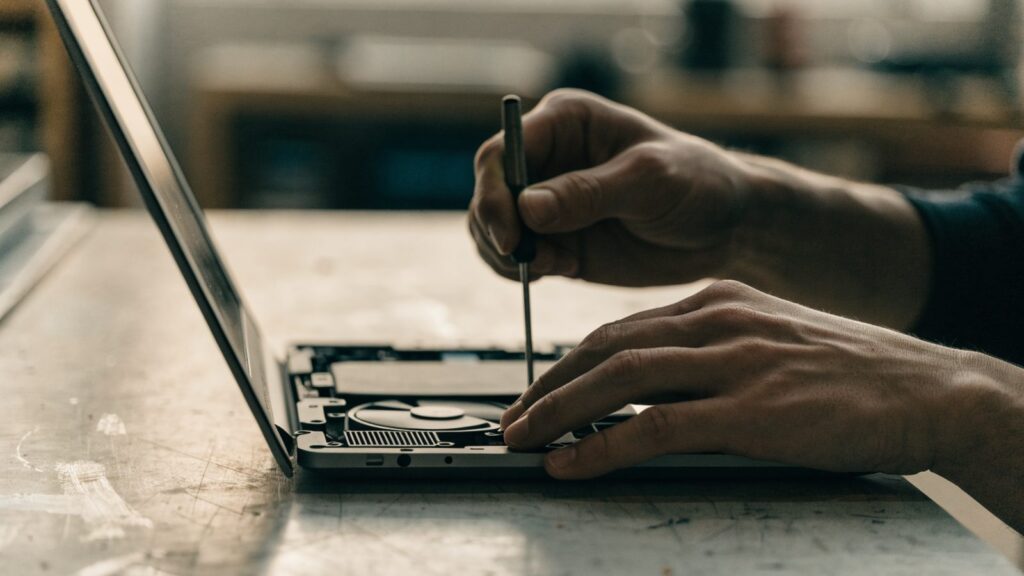
Step 4: Detach the keyboard folio and open the tablet body
Remove the magnetic keyboard folio, then carefully separate the tablet’s rear cover, working slowly since detachable tablet bodies often use more adhesive than screws to stay slim.
Step 5: Replace the charging port daughterboard
Disconnect the small board the port is mounted on from its ribbon cable, replace it with the new part, and reconnect before resealing the case.
Step 6: Test charging before fully resealing the case
Plug in a charger and confirm the charging indicator appears normally before pressing the adhesive-sealed back cover fully into place, since reopening it a second time risks damaging the adhesive.
Repair or Replace?
At $30–$50 in parts, a port repair is worth attempting if the rest of the Duet 3 works well and it’s within its Lenovo Chromebook AUE date. Given the delicate adhesive-sealed body, this is a repair where less hands-on users may prefer a repair shop over a DIY attempt.
FAQ
Is the charging port the same across all Duet models?
No, tablet-style Duet models can differ in port placement and daughterboard design between generations, so confirm the exact Duet 3 variant before ordering a part.
Could the keyboard folio itself be the real problem instead of the port?
Yes — the keyboard attaches magnetically and separately from charging, so a wobbly or disconnecting keyboard is unrelated to a charging port issue and should be diagnosed separately.
Why is this repair harder than on a clamshell Chromebook?
The tablet’s thin body leaves very little internal clearance and relies more on adhesive than screws to stay slim, which makes opening and resealing the case more delicate than a standard clamshell repair.