HP Chromebook trackpad replacement is usually the right call once you’ve ruled out a driver glitch or a disabled setting, especially if the pad is visibly cracked, clicks with nothing touching it, or stays dead in recovery mode where ChromeOS itself has no influence. This guide covers how to confirm the fault is hardware, what the DIY swap involves, and where to source a part instead of guessing.
Quick answer: Boot into recovery mode with Esc + Refresh + Power and check whether the cursor moves there. Recovery mode runs independent of ChromeOS and its drivers, so if the pad stays dead there too, it’s confirmed hardware, not a settings issue. From there, a part sourced through iFixit’s genuine-parts partnership with HP or HP’s own Parts Store is the safer bet over an unbranded module of unknown fit.
HP models where this shows up
Trackpad replacement isn’t limited to one HP line. iFixit’s parts catalog for HP Chromebooks spans roughly 83 model and category entries, from education clamshells through the newest Plus models, and stocks trackpads alongside batteries, screens, and keyboards.
| Model | Updates until (AUE) | What matters for this problem | Reset / recovery |
|---|---|---|---|
| Chromebook 14 G7 | Jun 2031 | Covered under iFixit’s HP Chromebook 14 device page, which lists guides for other components on this family | Esc + Refresh + Power |
| Chromebook 14a | Jun 2033 | Budget consumer clamshell; confirm the exact SKU before ordering, since parts aren’t interchangeable across HP’s Chromebook lines | Esc + Refresh + Power |
| Elite c645 Chromebook | Jun 2031 | AMD-based enterprise clamshell; check with IT before opening the case if it’s a managed device | Esc + Refresh + Power |
| Chromebook x360 14b-cc0 | Jun 2033 | Convertible; the trackpad sits in the same palm rest the hinge attaches to | Esc + Refresh + Power |
| Chromebook Plus 14 14c-na0 | Jun 2035 | Newest consumer clamshell, longest support window of this group | Esc + Refresh + Power |
Why an HP Chromebook trackpad needs replacing
A trackpad usually reaches this point one of a few ways: a visible crack or the surface separating from the palm rest, the cursor jumping or clicking with nothing touching it, or total unresponsiveness that persists in recovery mode and the Diagnostics app rather than clearing with a reset. HP hasn’t published a document naming a specific defective batch. Owners on HP’s community forum have reported trackpads that simply stop registering input across several Chromebook generations, which our HP Chromebook trackpad not working guide covers in more detail if you haven’t ruled out software yet.
Confirm it’s hardware, then replace it
- Boot into recovery mode with
Esc+Refresh+Powerand check whether the cursor moves on that screen. - Open the Diagnostics app from the launcher and run the touchpad test to map dead zones.
- Test with a USB or Bluetooth mouse. Normal function there isolates the fault to the trackpad or its ribbon cable rather than a wider fault.
- If the unit is still within HP’s warranty, stop here and go through HP support before opening the case. DIY disassembly can void coverage you’d otherwise get for free.
- If you’re proceeding yourself, confirm your exact model number first, since HP trackpad parts aren’t interchangeable across lines, then power down fully and remove the bottom cover screws, checking under rubber feet for hidden ones.
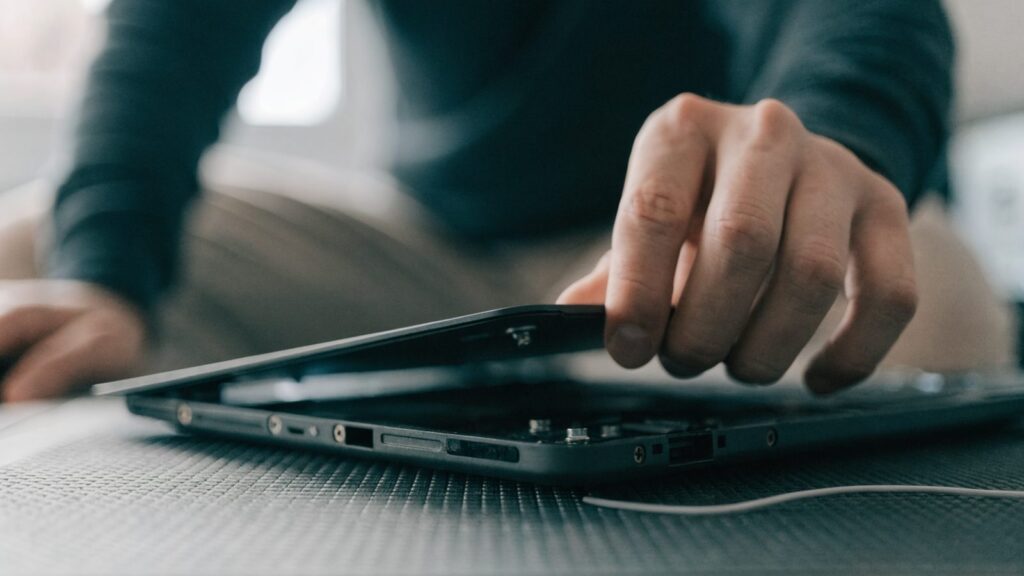
- Pry the cover off gently starting at a corner, disconnect the battery connector on the motherboard, then find the trackpad’s ribbon cable connector, flip its locking tab, and remove the cable.
- Unscrew the trackpad module and lift it free of the palm rest, seat the replacement, reconnect and lock the ribbon cable, and reconnect the battery.
- Power on before closing the case fully to confirm the touchpad test passes, then reassemble.
- ⚠ This erases local data. If the new trackpad still shows no input, the touchpad controller on the motherboard is the likely cause. A Powerwash rules out a leftover driver conflict first, but at controller level a repair shop or HP support is the next step rather than a second trackpad.
The general disassembly precautions that apply to any Chromebook trackpad swap, like static handling and cable routing, are in our Chromebook trackpad replacement guide. I won’t repeat them here.
Warranty and repair at HP
If the unit is still within HP’s standard one-year warranty and there’s no physical damage like a crack or liquid exposure, a dead trackpad is typically covered as a manufacturing defect, parts and labor included. Opening the case yourself before checking coverage can void that, so confirm status first by entering the serial number on HP’s warranty page or inside HP Support Assistant. The serial number is usually on the bottom of the unit, in the battery compartment, on the original box, or on the kickstand for a convertible.
If the Chromebook was issued by a school, go through the school’s IT department first rather than opening the case yourself. Fleet units are usually covered under a separate program, and IT can confirm status before anyone starts disassembly.
Out of warranty, iFixit has a genuine-parts partnership with HP and stocks trackpads among the HP Chromebook parts it sells, alongside step-by-step guides for other components on specific SKUs. HP’s own Parts Store sells official replacement components directly if you’d rather buy straight from HP. Either source beats an unbranded part of unknown fit, and confirming your exact model number first (our guide to finding it covers where to look) saves an ordering mistake.
FAQ
Will an external mouse work as a permanent fix instead of replacing the trackpad?
Yes. Any USB or Bluetooth mouse works fully with ChromeOS as a substitute if you’d rather not open the case at all.
Are HP Chromebook trackpad parts model-specific?
Yes. A part for one HP Chromebook line generally won’t fit another. Confirm your exact model number before ordering, ideally from iFixit’s HP Chromebook device pages or HP’s Parts Store rather than a generic listing.
Does HP’s warranty cover a dead trackpad?
If there’s no physical damage and the unit is within its one-year standard warranty, it’s usually covered as a manufacturing defect. Cracks or liquid damage generally aren’t.