Quick Answer: The 100e is Lenovo’s rugged education-line Chromebook, built to survive drops from desk height, but that same reinforcement makes the bezel more labor-intensive to remove than on a consumer Lenovo model. Expect $45–$80 for the panel plus $50–$90 in labor, or roughly $45–$80 total doing it yourself.
Why the 100e’s Bezel Is Different
- Lenovo reinforces the 100e’s corners and bezel with extra plastic ribbing to absorb drop impact, which means more screws and clips than a consumer 300e or Flex model
- Lenovo sold both 2nd Gen and 3rd Gen versions of the 100e with different internal layouts, so panel part numbers aren’t interchangeable between generations
- School fleet units often have asset tags and district-specific BIOS/firmware locks, which don’t affect the screen swap itself but are worth noting before sending a unit out for third-party repair
Fix Steps
Step 1: Confirm the generation
Check Settings > About ChromeOS > Additional details for the full model string. 2nd Gen and 3rd Gen 100e units look nearly identical externally but use different panel connectors.
Step 2: Rule out a cable issue before assuming the panel is cracked
If the screen shows lines or partial color loss rather than visible physical damage, see cracked Chromebook screen: all your options, since a loose display cable can mimic panel damage without an actual crack.
Step 3: Remove the reinforced bezel carefully
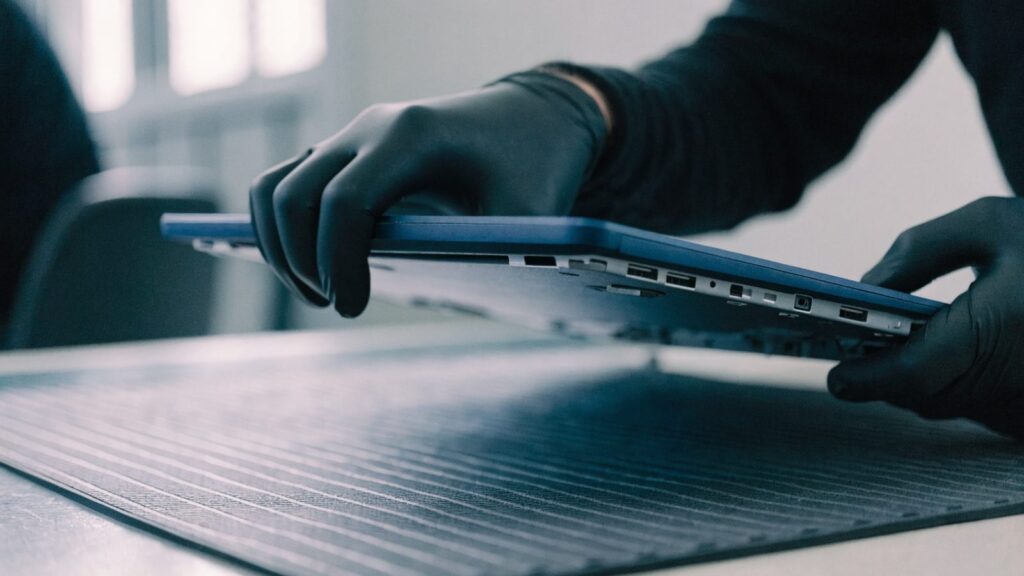
Work through all visible screws first, then use a plastic pry tool along the extra ribbing at the corners, since these are the most common spots for the bezel to crack further if forced.
Step 4: Disconnect the display cable and swap the panel
Release the ribbon cable’s locking flap before pulling it, connect the new panel, and test it powered on with the bezel off before final reassembly.
Step 5: Reseat the reinforced bezel evenly
Press the bezel back into place starting from the corners rather than the middle, matching how the reinforced ribbing was designed to click into the chassis.
Repair or Replace?
The 100e is a budget-tier device by design, so a $95–$170 professional repair should be weighed carefully against its original price and remaining update life before committing — a lightly used replacement unit may cost about the same.
FAQ
Are 100e parts easy to source outside of school IT channels?
They’re less common at general consumer retailers than mainstream Lenovo Chromebook parts, so expect to search education/K-12 parts suppliers or generic Chromebook parts sites by exact model number.
Does the 3rd Gen 100e use the same battery as the keyboard replacement guide covers?
No, they’re different components entirely — see Lenovo Chromebook keyboard replacement guide if the keyboard, not the screen, is the issue.
What if the screen flickers instead of showing physical damage?
Check Lenovo Chromebook screen flickering: how to fix it first, since flickering is more often a cable or software issue than a reason to replace the whole panel.