Quick Answer: Replacing an Acer Chromebook screen typically costs $50–$90 for the panel plus $60–$100 in labor if you pay a shop, or roughly $50–$90 total if you do it yourself. Acer’s Chromebook 3xx and 5xx series use panels that are widely available, but the exact part number depends on the model, so matching it precisely matters more than on most other brands.
Why Acer Screens Vary More Than Expected
- Acer reuses chassis designs across several model years but swaps panel suppliers, so two Chromebooks with the same model name can need different part numbers
- Touchscreen and non-touch versions of the same model use physically different panels and cannot be swapped for each other
- Some Acer Chromebooks use a panel and digitizer bonded as one assembly (more expensive), while others separate them (cheaper, more finicky to install)
How to Find the Right Part
Step 1: Get your exact model number
Check Settings > About ChromeOS > Additional details, or the sticker on the bottom of the device. Acer’s model numbers (like CB3-532 or CB5-312T) map directly to a specific panel, unlike some brands where one model spans multiple panel revisions.
Step 2: Confirm touch vs. non-touch
If your Chromebook responds to touch, you need a touch digitizer assembly, which costs more and is a more involved install than a standard panel. Installing a non-touch panel into a touch model won’t work at all, since the connector and mounting differ.
Step 3: Match the panel’s connector and resolution
Search the part number printed on a small sticker on the back of the existing panel (visible once you open the lid) if you can access it, or match by model number through a Chromebook parts supplier. Panels with the wrong connector type physically won’t plug into the motherboard even if the size looks identical.
Step-by-Step Replacement
Step 1: Power off and remove the battery connector
Shut down fully, unplug the charger, and disconnect the internal battery cable once inside to prevent any short while working near the display cable.
Step 2: Remove the bezel and old panel
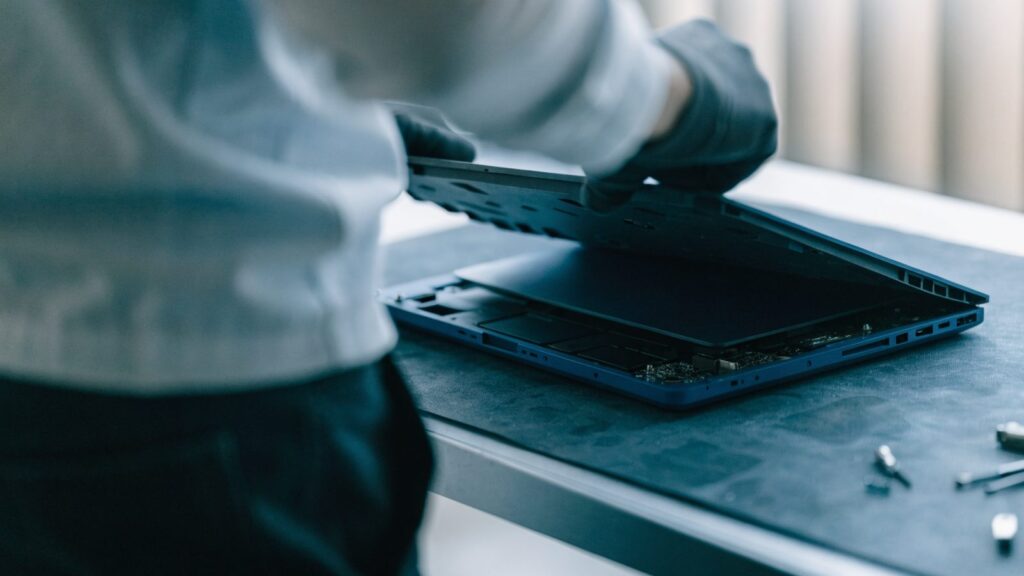
Most Acer Chromebooks use a snap-in plastic bezel around the screen, held with a mix of screws and clips. See how to open a Chromebook for general teardown tools and technique before starting.
Step 3: Disconnect the display cable carefully
The ribbon cable connecting the panel to the motherboard uses a small locking flap. Lift the flap gently before pulling the cable — forcing it without releasing the lock is the most common way this repair goes wrong.
Step 4: Connect and test the new panel before closing
Connect the new panel, power the Chromebook on with the bezel still off, and confirm the display works fully (colors, touch if applicable, no dead pixels) before reassembling.
Repair or Replace the Whole Chromebook?
If your Acer Chromebook is more than 3 years old or close to its AUE date, compare the $110–$190 typical total repair cost against a new budget model. See Chromebook screen replacement cost: repair or replace? and Chromebook AUE dates explained to check how much life the device has left before investing in the repair.
FAQ
Can I use a screen from a different Acer model?
Only if it shares the exact same part number. Acer’s model naming doesn’t reliably indicate panel compatibility across generations, so always verify by part number, not model name alone.
Is the touchscreen version always more expensive to replace?
Yes, typically $20–$40 more for the part, since it includes the digitizer layer bonded to the panel.
What if my Acer Chromebook won’t turn on after I dropped it, not just the screen?
Rule out a broader issue first. See Acer Chromebook won’t turn on before assuming the screen is the only damage.