Quick answer: A Dell Chromebook that won’t turn on is most often a battery that’s too drained to power on immediately, or a stuck power state. Plug it into its original charger for 30 minutes, then try a hard reset (Refresh + Power for 10 seconds) before assuming hardware failure.
Why Your Dell Chromebook Won’t Turn On
- Battery fully drained, sometimes to the point the device won’t respond to the power button for the first few minutes of charging.
- A stuck power state from an improper shutdown or a firmware hang.
- Faulty charger or cable — Dell’s USB-C chargers and cables can fail or fray, especially in school and business fleets with heavy daily use.
- Charging port damage from repeated plug/unplug cycles or a bent connector.
- A battery that’s failed completely and can no longer hold or accept a charge.

How to Fix a Dell Chromebook That Won’t Turn On
1. Confirm it’s actually charging
Plug in the original (or a verified compatible) charger and look for a charging LED, usually near the port. No light at all after a few minutes suggests a charger, cable, or port problem rather than a dead battery.
2. Let it charge for 30 minutes before trying again
A fully drained battery can take a while before the device responds to the power button, even while actively charging. Don’t assume it’s broken in the first few minutes.
3. Try a hard reset
Hold Refresh + Power for about 10 seconds. This forces a hardware-level reset that can revive a Chromebook stuck in a bad power state, even with no visible response before.
4. Test with a different charger and outlet
Swap in another USB-C charger (65W or higher, PD-compatible) and try a different wall outlet to rule out a bad cable, adapter, or power source.
5. Check the charging port for damage
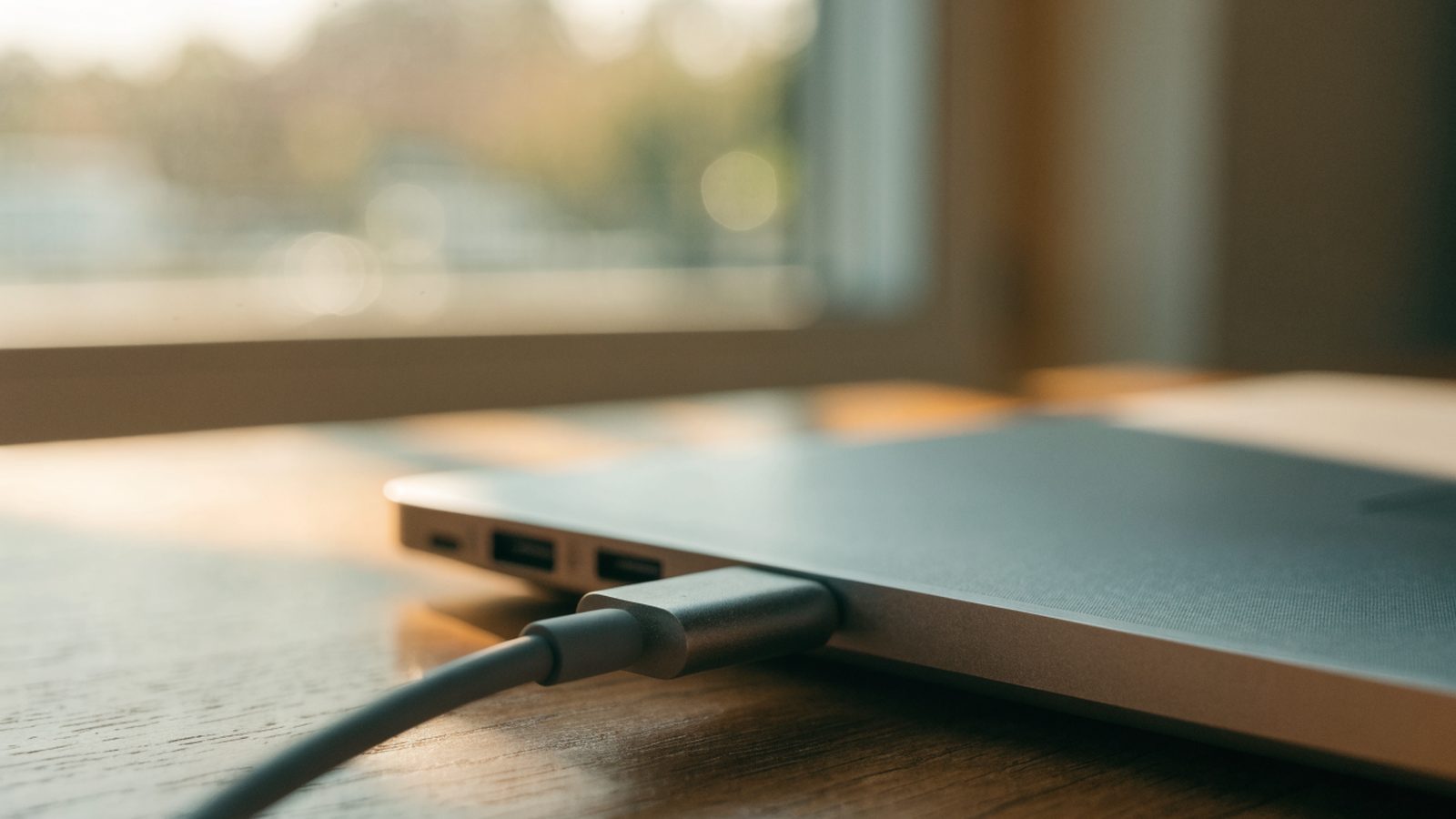
Inspect the USB-C port for bent pins, lint, or visible damage. A loose or damaged port often causes intermittent charging that eventually results in a fully dead battery.
6. Try charging from a different angle
If the port is slightly loose, gently holding the cable at a different angle while plugged in can sometimes reveal a loose internal connection — a sign the port needs a hardware repair.
Still Not Fixed?
If there’s still no charging light and no response after testing another charger, cable, and outlet, the issue is likely a failed battery or charging port. See our Chromebook Charging Port Repair guide for diagnosis steps and typical repair costs, or our general Chromebook Won’t Turn On guide for additional checks.
FAQ
How long should I charge a completely dead Dell Chromebook before trying to turn it on?
At least 30 minutes on the original charger before assuming a hardware fault — a fully drained battery can take that long to show any sign of life.
Does a hard reset erase my files?
No, a hard reset (Refresh + Power) doesn’t delete local files or settings — it only force-restarts the hardware.
Can a bad charger damage the Chromebook itself?
Using a non-compliant or damaged charger can, in rare cases, damage the charging circuitry — always use a PD-compliant USB-C charger rated for your Dell Chromebook’s wattage.