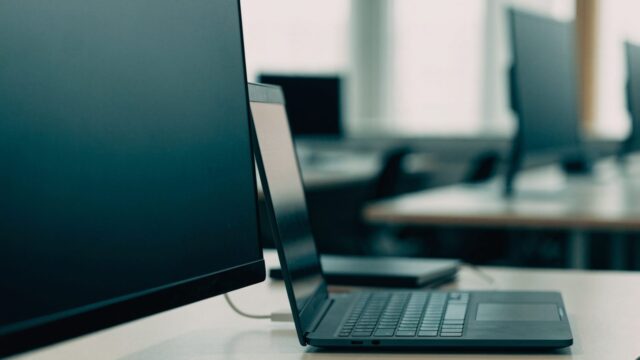
Samsung Chromebook Black Screen: How to Fix It
Read the power LED first, then follow Samsung's order: charge, restart, backlight check, recovery combo, service. Models and warranty included.
6 min readChriss Rakoot writes and maintains the repair guides on ChromebookFixes. He trained as an engineer, specialized in IT and computer-systems maintenance, and worked for years as an in-person trainer in that field before moving his teaching online. Guides are reviewed and updated when ChromeOS changes.
Read the power LED first, then follow Samsung's order: charge, restart, backlight check, recovery combo, service. Models and warranty included.
6 min read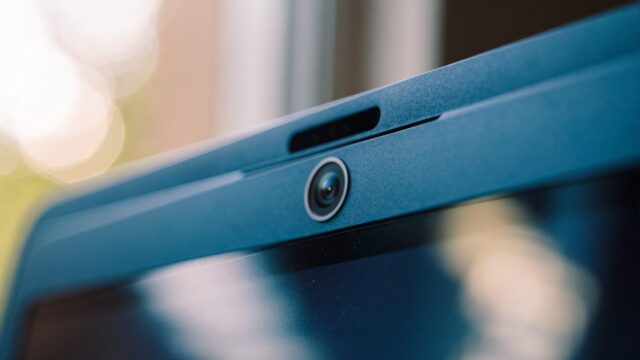
Check the privacy shutter first, then app conflicts, the world-facing camera and updates. Lenovo models, reset combos and warranty included.
6 min read
Lenovo's reset wording, Google's recovery combos for clamshells and Duets, owner reports of a damaged ChromeOS, and when to stop and call Lenovo.
6 min read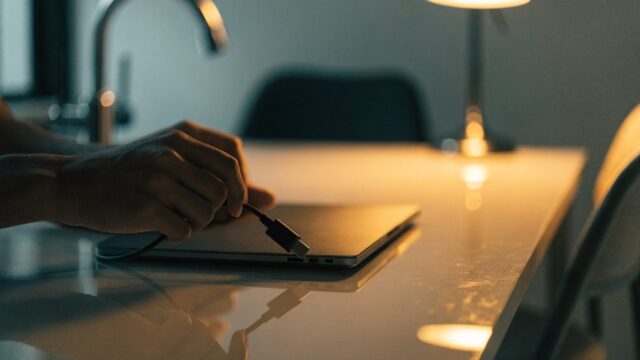
Read the charging light first. Lenovo's fix for the 100e and 500e no-light fault, a moderator's drain-and-charge steps, reset combos and warranty.
6 min read
HP Chromebook microphone not working on calls? Here's the HP-specific reset combo, affected models, and when it's a warranty issue, not a settings bug.
5 min read
An HP Chromebook stuck on the logo screen almost always means a failed ChromeOS update, not dead hardware. Here's the exact HP reset combo, which models report it, and when to call it a warranty repair instead.
6 min read
HP Chromebook touchscreen not working? Here's the HP-specific reset combo, affected models, and when it means a screen replacement.
5 min read
Acer mic silent in calls? Check the one-click mute on the Plus 514 and 515, ChromeOS mic permissions, then Acer's EC reset before any Powerwash.
6 min read
Why Acer Chromebooks run hot: Acer's surface and dust advice, its 35 °C charging limit, which models have fans, and when a shutdown is software.
6 min read
Acer's wake keys, the models that may not wake after sleep, the ChromeOS version that fixes each one, and when a black screen means the panel.
6 min read