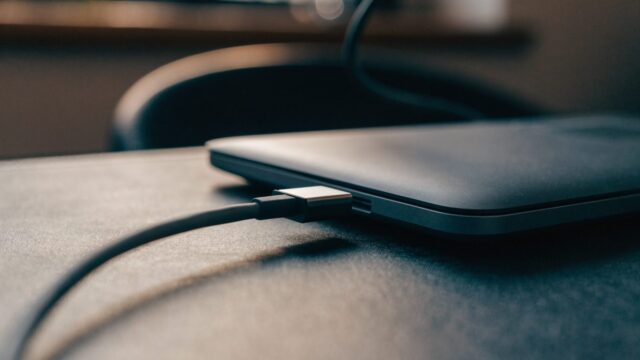
If your Chromebook mostly lives on a desk next to an outlet, you’ve probably wondered whether leaving it plugged in 24/7 is quietly wearing out the battery. The short version: modern Chromebooks handle this much better than old laptops did, but there are still a few things worth knowing.
Quick answer: Yes, it’s generally safe to keep a Chromebook plugged in all the time. ChromeOS and the battery’s built-in charge controller stop charging once the battery hits 100%, so you’re not constantly force-feeding it electricity. The bigger factor in long-term battery health is heat, not the plug itself — so ventilation matters more than unplugging.
What Actually Happens When It’s Always Plugged In
- Once the battery reaches 100%, the Chromebook draws power directly from the charger and stops cycling the battery — it doesn’t keep “topping off” repeatedly
- The battery sits at a high charge level for long periods, which does cause slightly faster chemical aging than sitting at 50-80%, but the effect is gradual, not dramatic
- Heat becomes the bigger factor: a Chromebook running hot while plugged in and under load ages the battery faster than the charge level alone — see why Chromebooks overheat if yours runs warm
- Some Chromebooks include an “Adaptive Charging” feature that intelligently limits charging to reduce this wear automatically
How to Minimize Long-Term Wear If You Leave It Plugged In
- Keep the Chromebook on a hard, flat, ventilated surface — not a bed or pillow — to avoid trapping heat.
- Check whether your model has Adaptive Charging or a similar battery-care setting under ChromeOS Battery Saver mode and related power settings.
- Use the charger that came with the device, or one that meets the correct wattage — see the Chromebook charger guide. Underpowered or poorly regulated third-party chargers can cause more heat and inefficient charging.
- Every few weeks, let the battery drain to 20-30% and use it unplugged for a bit — this isn’t strictly necessary for health, but it’s a good way to confirm the battery still holds a real charge if you ever need to use the device away from an outlet.
When Leaving It Plugged In Is Actually the Better Choice
If you’re using the Chromebook as a semi-permanent desktop replacement (connected to a monitor, keyboard, mouse), leaving it plugged in is genuinely more convenient and not worth worrying about. The battery is a wear item regardless — it typically lasts 2-4 years under normal use before capacity noticeably drops, and how it’s charged during that window makes only a modest difference.
Signs the Battery Is Already Wearing Out
If you notice any of these, it’s worth checking battery health rather than worrying about future prevention:
- Battery percentage jumps around or reports inaccurately — see Chromebook battery percentage wrong or jumping
- The device won’t hold a charge for more than an hour or two unplugged — see Chromebook won’t hold a charge anymore
- The keyboard deck or trackpad looks physically deformed — check Chromebook battery swollen or bulging immediately if so
Run the built-in battery health check to get an actual wear-level number instead of guessing.
FAQ
Does leaving my Chromebook plugged in overnight damage it?
No. ChromeOS stops charging at 100% and draws power from the wall instead, so overnight charging doesn’t overcharge the battery.
Should I unplug it once it hits 100%?
Not necessary for normal use. If you want to be extra cautious for a device that’s rarely moved, you can, but the practical difference is small.
Does using a Chromebook while it’s charging cause more wear?
Using it while charging generates a bit more heat than charging while idle, which is the real factor — not the charging itself. Keep it well-ventilated and this isn’t a significant concern.
Is there a setting to limit charging to 80%?
Some Chromebook models offer Adaptive Charging, which manages this automatically in the background rather than through a manual percentage cap. Check your device’s power settings to see if it’s supported.