Quick Answer
Most Acer Chromebooks charge with a 45W or 65W USB-C Power Delivery charger, and the exact wattage is printed on the original charger’s label. Any USB-C PD charger at or above that wattage will work; going lower still charges the device, just more slowly.

Causes of Charger Confusion
Acer’s range spans budget Chromebook 3xx/5xx models to premium Spin and Chromebook Plus devices, and different tiers ship with different wattage chargers even though every port looks like the same USB-C connector. That uniform look is exactly what causes people to assume any USB-C charger will work identically, when in practice wattage, cable rating, and USB-PD support all affect whether it charges at full speed or at all.
Fix Steps
Step 1: Find your Acer Chromebook’s rated wattage
Check the label on the original charger, or search your exact model number plus “charger wattage.” Acer’s budget line typically uses 45W, while larger-screen and 2-in-1 models often step up to 65W.
Step 2: Confirm the replacement charger supports USB Power Delivery
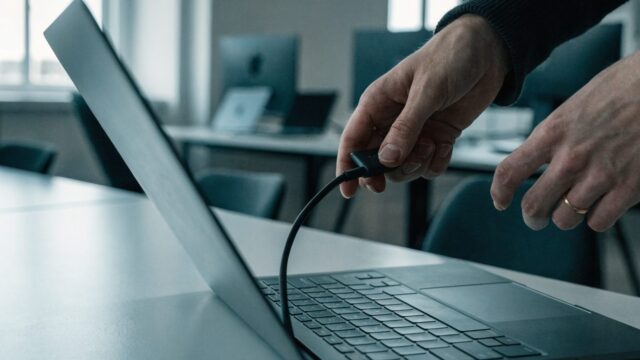
A USB-C plug alone doesn’t guarantee compatibility. The charger needs to explicitly support USB-PD, the standard that negotiates voltage and current with the Chromebook, not just have the right connector shape.
Step 3: Check the cable’s rating too
Even a properly rated charger can bottleneck through a cheap or charge-only cable. Use the cable included with the charger, or one rated for at least 60W, to avoid slow charging that looks like a charger problem.
Step 4: Use equal or higher wattage, never lower than needed for normal use
A 65W charger works fine on a 45W-rated Acer Chromebook; it simply won’t draw the extra headroom. Going the other direction, using a lower-wattage charger under heavy use, is what typically produces slow or stalled charging.
Step 5: Stick to certified or reputable brands
Uncertified third-party chargers can deliver inconsistent voltage that stresses the charging circuitry over time. A certified replacement protects the Acer Chromebook’s port and battery long-term.
Still Not Fixed?
If you’ve confirmed a properly rated, certified charger and cable and the Acer Chromebook still charges unreliably or shows unusually fast battery drain, the issue is more likely the port or the battery itself. Check battery replacement cost if the Diagnostics app confirms degraded health.
FAQ
Can I use a different brand’s charger on my Acer Chromebook?
Yes, as long as it’s a genuine USB-C Power Delivery charger at a sufficient wattage; the charger doesn’t need to be Acer-branded to work correctly.
Will a higher-wattage charger damage my Acer Chromebook?
No. The device only draws the power it’s designed to accept regardless of how much the charger can supply; the extra capacity just goes unused.
Why does my Acer Chromebook charge slowly with a phone charger?
Most phone chargers output 18-20W, well below the 45-65W an Acer Chromebook expects, so it will still charge but noticeably more slowly, especially under active use.