Chromebook Ethernet Connected but No Internet: Fixes
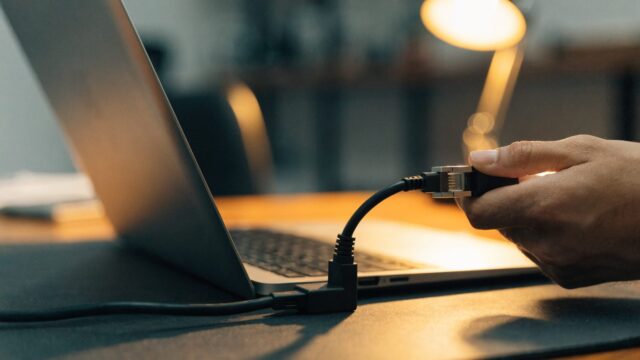
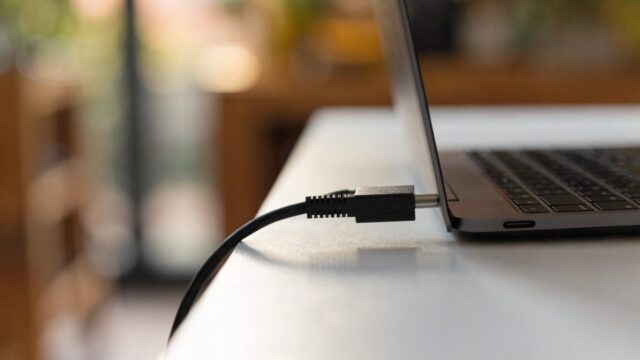
Plugged your Chromebook into Ethernet and it shows connected, but nothing loads? Here's how to fix a wired connection with no actual internet access.
4 min readFixes for Wi-Fi, Ethernet, Bluetooth, VPN and printer connection problems. If your Chromebook won’t connect to Wi-Fi, shows connected but no internet, or keeps dropping the connection, start with those guides. The rest of this section covers slow Wi-Fi, DNS and proxy settings, school and work networks, hotspots, Bluetooth problems and printer setup.
Plugged your Chromebook into Ethernet and it shows connected, but nothing loads? Here's how to fix a wired connection with no actual internet access.
4 min readNeed your Chromebook's MAC address for router allowlisting, or want to check your actual Wi-Fi signal strength? Here's exactly where to find both.
3 min readGuest Wi-Fi networks often behave differently than the main network — captive portals, isolation settings, and time limits can all trip up a Chromebook. Here's how to fix it.
3 min readGetting a certificate warning on a school or work Wi-Fi network? Here's how to manually import a CA certificate on a Chromebook, and when it's handled for you instead.
3 min readNeed to route your Chromebook's traffic through a proxy server for work, school, or privacy? Here's how to set one up manually, with a PAC file, or via auto-detect.
3 min readSwitched to Eero, Orbi, or Google Nest Wifi and your Chromebook won't roam properly between points? Here's how to connect it right and fix common mesh issues.
3 min readSeeing "Wi-Fi 6E" on your Chromebook's spec sheet or your new router's box? Here's what it actually changes and whether it's worth prioritizing.
3 min readConnecting to airport, cafe, or hotel Wi-Fi on your Chromebook? Here's what's actually risky, what ChromeOS already protects against, and the fixes for common public Wi-Fi problems.
3 min readConnected to hotel or airport Wi-Fi but the login page never pops up? Here's how to force the captive portal to appear on a Chromebook.
3 min readAirplane mode won't switch off no matter how many times you click it? Here's how to actually get Wi-Fi and Bluetooth back on.
3 min read