How to Print from a Chromebook
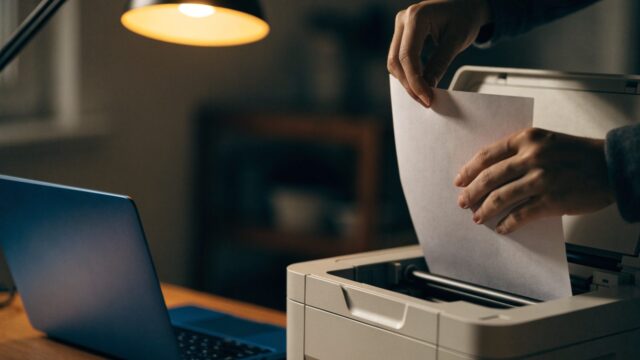
Need to print a document from your Chromebook? Here's how to set up a printer and send a print job, wired or wireless.
2 min readStep-by-step Chromebook tutorials for everyday tasks and hidden features. The most-read guides show how to take a screenshot, split the screen, turn on Caps Lock and use the keyboard shortcuts cheat sheet. You will also find tutorials on the Files app, Android and Linux apps, printing, casting to a TV and accessibility settings.
Need to print a document from your Chromebook? Here's how to set up a printer and send a print job, wired or wireless.
2 min readText too small or too large on your Chromebook? Here's how to zoom the page, the whole display, or use accessibility magnification.
2 min readTraveling or without Wi-Fi? Here's what actually works offline on a Chromebook, and how to set it up before you lose your connection.
2 min readNeed to capture video of your Chromebook screen? Here's how to record it using the built-in Screen Recorder, no extension required.
2 min readNew to Chromebook and can't find a right-click button? Here's how right-clicking and copy-paste work on the trackpad and keyboard.
2 min readWant mobile apps on your Chromebook? Here's how to enable the Google Play Store and install Android apps.
2 min readWant to run Linux apps on your Chromebook? Here's how to enable the built-in Linux (Crostini) container, step by step.
2 min readWant two windows side by side on your Chromebook? Here's how to split the screen using shortcuts, drag-and-drop, or tablet mode.
2 min readWant to work faster on your Chromebook? Here's the complete list of keyboard shortcuts for navigation, windows, text editing, and more.
2 min readNeed to capture what's on your screen? Here's every way to take a screenshot on a Chromebook, from a single shortcut to a specific window.
3 min read