How to Connect a Chromebook to a Mesh Wi-Fi System (Eero, Orbi, Nest Wifi)
Switched to Eero, Orbi, or Google Nest Wifi and your Chromebook won't roam properly between points? Here's how to connect it right and fix common mesh issues.
3 min readChriss Rakoot writes and maintains the repair guides on ChromebookFixes. He trained as an engineer, specialized in IT and computer-systems maintenance, and worked for years as an in-person trainer in that field before moving his teaching online. Guides are reviewed and updated when ChromeOS changes.
Switched to Eero, Orbi, or Google Nest Wifi and your Chromebook won't roam properly between points? Here's how to connect it right and fix common mesh issues.
3 min read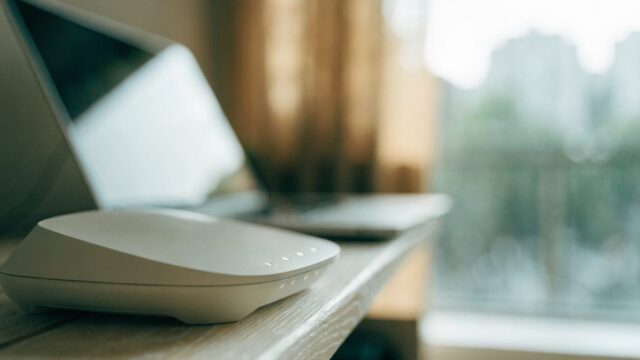
Seeing "Wi-Fi 6E" on your Chromebook's spec sheet or your new router's box? Here's what it actually changes and whether it's worth prioritizing.
3 min read
Want a quick health check on your Chromebook's passwords, extensions, and privacy settings? Here's how to run Chrome's built-in Safety Check and Privacy Guide.
3 min read
SD card or USB drive not showing up right on your Chromebook, or you need to reformat it? Here's how to format, rename, and safely eject external storage.
4 min read
Want Dropbox and OneDrive to show up next to Google Drive in your Files app? Here's how to connect both cloud accounts on a Chromebook.
4 min read
Need to type in another language or switch keyboard layouts on your Chromebook? Here's how to add languages and input methods.
3 min read
Want to stop retyping passwords on your Chromebook? Here's how to use, check, and clean up Google Password Manager.
3 min read
Too many pop-ups interrupting your work on a Chromebook? Here's how to manage app notifications and turn on Do Not Disturb.
3 min read
Need to access another computer from your Chromebook, or control your Chromebook remotely? Here's how to set up Chrome Remote Desktop.
3 min read
Want your Chromebook to lock itself and unlock faster? Here's how to set a PIN, configure screen lock, and adjust the auto-lock timer.
3 min read