How to Record Your Screen on a Chromebook
Need to capture video of your Chromebook screen? Here's how to record it using the built-in Screen Recorder, no extension required.
2 min read
Need to capture video of your Chromebook screen? Here's how to record it using the built-in Screen Recorder, no extension required.
2 min read
New to Chromebook and can't find a right-click button? Here's how right-clicking and copy-paste work on the trackpad and keyboard.
2 min read
Want mobile apps on your Chromebook? Here's how to enable the Google Play Store and install Android apps.
2 min read
Want to run Linux apps on your Chromebook? Here's how to enable the built-in Linux (Crostini) container, step by step.
2 min read
Want two windows side by side on your Chromebook? Here's how to split the screen using shortcuts, drag-and-drop, or tablet mode.
2 min read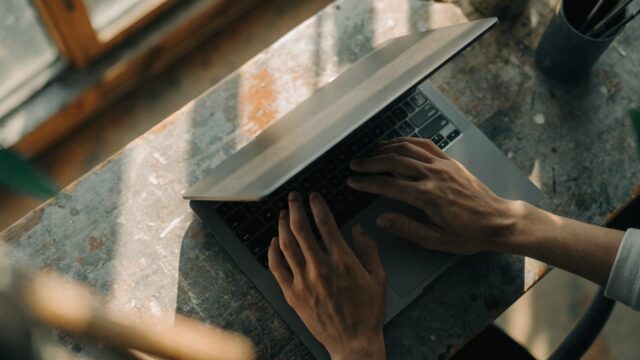
Want to work faster on your Chromebook? Here's the complete list of keyboard shortcuts for navigation, windows, text editing, and more.
2 min read
Need to capture what's on your screen? Here's every way to take a screenshot on a Chromebook, from a single shortcut to a specific window.
3 min read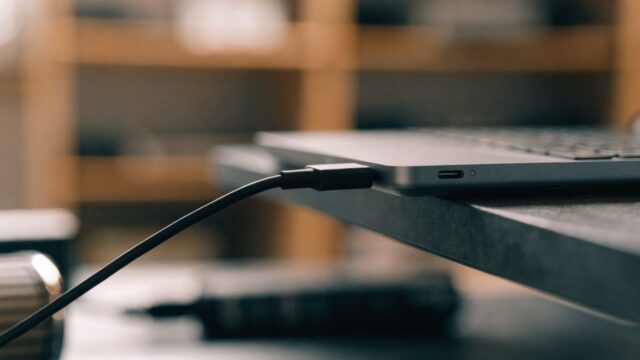
Confused about which USB-C charger works with your Chromebook? Here's how wattage, voltage, and cables actually affect charging.
3 min read
Wondering if your Chromebook's battery life is normal for its age? Here's what to expect per charge and over the device's lifespan.
3 min read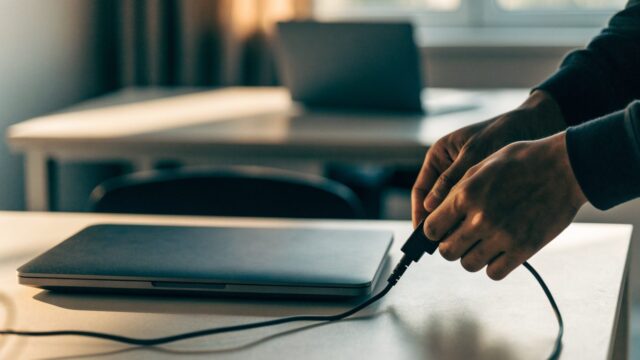
Chromebook completely dead after letting the battery run to zero? Here's how to get it charging and booting again.
3 min read