
How to Zoom In and Out on a Chromebook
Text too small or too large on your Chromebook? Here's how to zoom the page, the whole display, or use accessibility magnification.
2 min readChriss Rakoot writes and maintains the repair guides on ChromebookFixes. He trained as an engineer, specialized in IT and computer-systems maintenance, and worked for years as an in-person trainer in that field before moving his teaching online. Guides are reviewed and updated when ChromeOS changes.
Text too small or too large on your Chromebook? Here's how to zoom the page, the whole display, or use accessibility magnification.
2 min read
Traveling or without Wi-Fi? Here's what actually works offline on a Chromebook, and how to set it up before you lose your connection.
2 min read
Need to capture video of your Chromebook screen? Here's how to record it using the built-in Screen Recorder, no extension required.
2 min read
New to Chromebook and can't find a right-click button? Here's how right-clicking and copy-paste work on the trackpad and keyboard.
2 min read
Want mobile apps on your Chromebook? Here's how to enable the Google Play Store and install Android apps.
2 min read
Want to run Linux apps on your Chromebook? Here's how to enable the built-in Linux (Crostini) container, step by step.
2 min read
Want two windows side by side on your Chromebook? Here's how to split the screen using shortcuts, drag-and-drop, or tablet mode.
2 min read
Want to work faster on your Chromebook? Here's the complete list of keyboard shortcuts for navigation, windows, text editing, and more.
2 min read
Need to capture what's on your screen? Here's every way to take a screenshot on a Chromebook, from a single shortcut to a specific window.
3 min read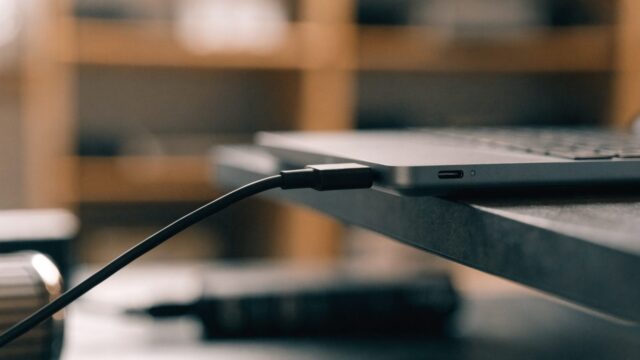
Confused about which USB-C charger works with your Chromebook? Here's how wattage, voltage, and cables actually affect charging.
3 min read